

In This Blog Post
Share This Article
- Last Updated: Aug 13, 2026
- 🔊 Listen
TL;DR
- Efficient invoice processing prevents errors, overpayments, and payment delays.
- Follow a structured workflow: receive, verify, reconcile, approve, and record invoices.
- Streamlined processing improves cash flow, accuracy, and operational control.
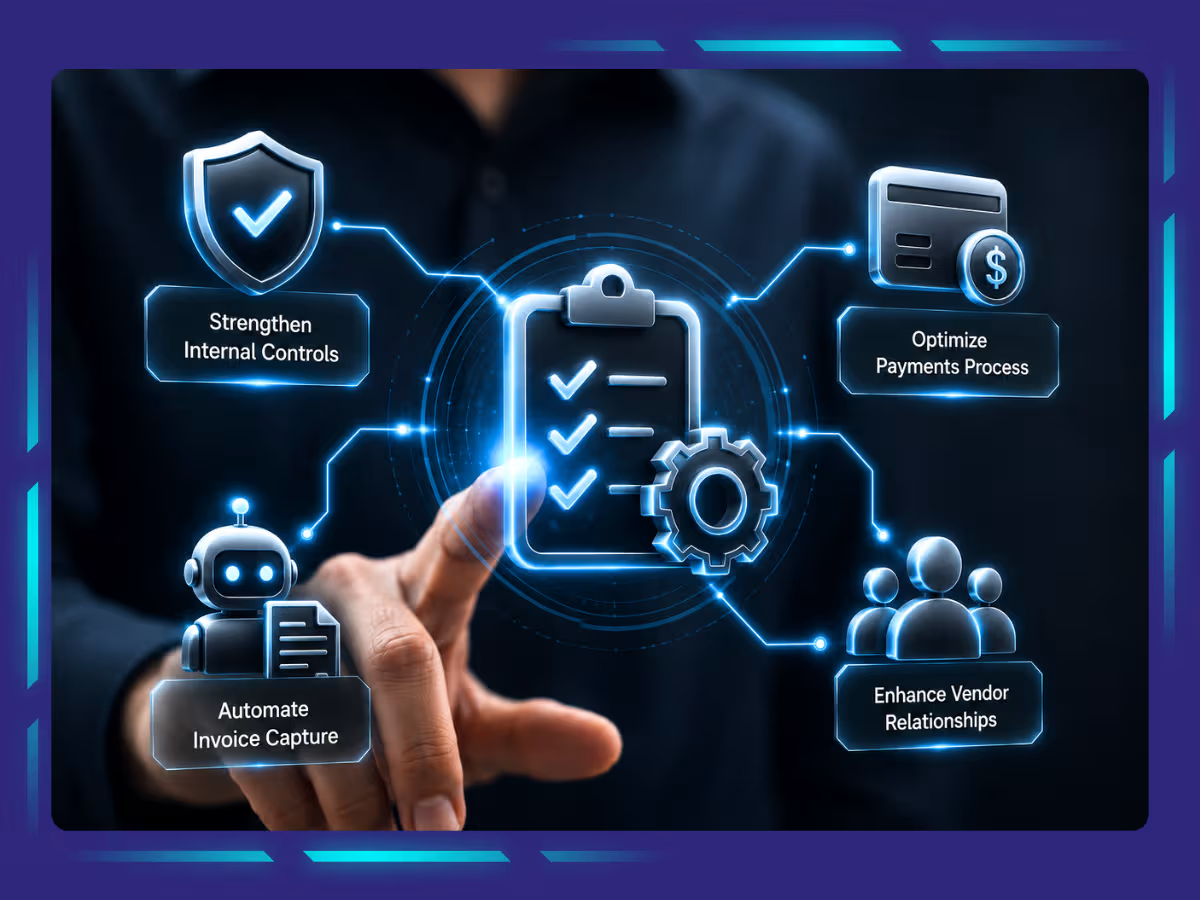
- Implementing best practices ensures compliance, financial visibility, and smoother vendor relationships.
Manual invoices, endless data entry, and delayed payments can disrupt your business cash flow and efficiency. With the right approach, you can simplify every step of invoice processing while reducing errors and speeding up approvals.
This invoice processing guide walks you through essential strategies, best practices, and workflow optimizations to transform chaotic invoicing into a smooth, automated system that keeps your finances on track. Learn how to improve accuracy, accelerate payments, and maintain full visibility over your accounts receivable.

Get the Right AP Expert
Streamline Your Invoice Processing
What Are the Steps Involved in Invoice Processing
Every vendor invoice signals a payment due, but paying immediately without a structured approach can lead to errors, missed approvals, or compliance issues. Following a clear invoice processing workflow ensures accuracy, timely payments, and full visibility over your accounts. In this section, we break down the essential steps involved in invoice processing so you can streamline approvals, reduce errors, and maintain control over your cash flow.
Step 1: Invoice Receipt
You receive an invoice via email, mail or an online portal. It is like getting the check after having a great lunch, but you need to review it before paying.
Step 2: Validation
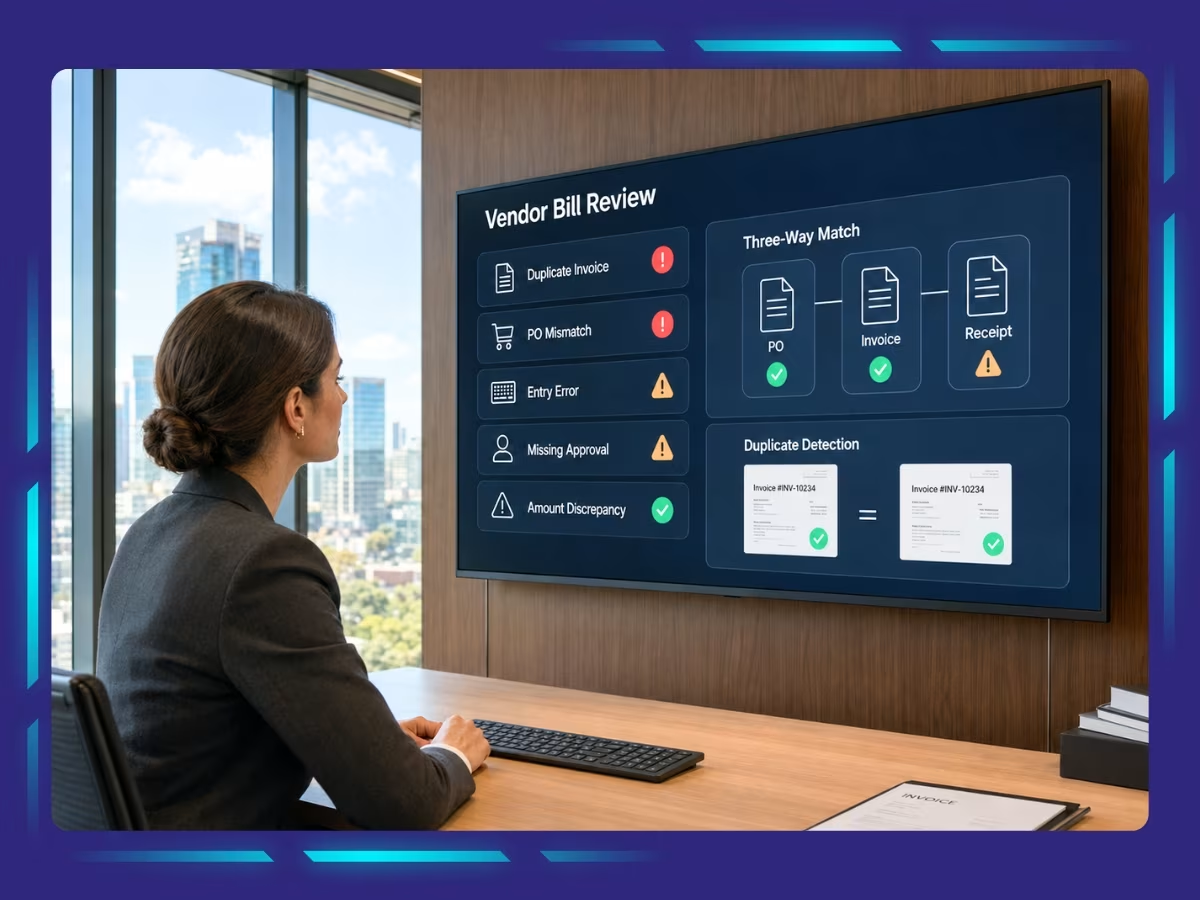
The accounts payable (AP) team reviews the invoice for errors, missing details, or duplicate charges. No one wants to pay for something they did not order.
Step 3: Matching and Approval
The invoice is matched with the purchase order (PO) and goods received note (GRN) to make sure that everything was delivered as expected. If everything checks out, it will get approved.
Step 4: Payment Processing
Once it gets approved, the invoice is scheduled for payment based on agreed terms, whether it is a bank transfer, check or online payment.
Step 5: Reconciliation
Finally, the transaction is recorded in the accounting system to track payments and keep financial records accurate.
Understanding AP Invoice Approval Process
When a company receives an invoice, it doesn’t go straight to payment. It first goes through an approval workflow, where different stakeholders review and approve it before it gets paid.
Invoice approval in accounts payable process is a critical step in managing business expenses. It ensures that every invoice is verified, approved, and processed for payment accurately. No matter whether you are handling it manually or using AP automation, the process follows a pretty standard flow. Let us walk you through it, the process follows a pretty standard flow.
Step 1: Invoice Received
Just imagine, you have just received an invoice from a vendor. It could come from anywhere through email, your accounting software or even in the traditional way on paper. Now, before you rush to pay it, you need to make sure everything checks out.
Is the invoice complete? (Does it have the invoice number, vendor details, date, correct amount, etc.)
- Does it match with the PO (purchase order) or contract?
- Are there any missing details or errors?
If everything looks fine, then you are on track. If not, you have got to hit pause and clarify things with the vendor before moving forward.
Step 2: Invoice Assignment to Approver
Now, every business has an approval structure, not every invoice should be approved instantly. Depending on the amount and type of expense, it might need approval from:
- A department head
- The finance team
- Senior management (for big-ticket expenses)
Step 3: Approving the Invoice
Once it reaches the approver, then it’s decision time!
- If all looks goods, then the approver gives the thumbs up, and the invoice moves to the payment stage.
- If something seems off, they might push back with questions or request further clarification.
Once approved, the invoices move forward for payment processing.
Step 4: Payment Processing
Once approved, it’s time to settle the bill. This can be done in following manner:
- The approved invoice is sent to the accounts payable (AP) team or system for scheduling payment.
- Payment is processed based on the agreed payment terms like Net 30, Net 60.
Payment methods can include bank transfers, checks, ACH, or online payment systems.
Step 5: Vendor Payment and Record Keeping
As soon as you are done with vendor payments, it is essential to keep records for future references, audits, and vendor reconciliation. This means storing: This means storing:
The transaction is recorded in the accounting system for reconciliation.
A confirmation or remittance advice may be sent to the vendor for reference.
The Importance of Efficient Invoice Processing
Invoice processing may not be the most glamorous task, but getting it right has a direct impact on your business operations. Efficient invoice processing reduces errors, accelerates approvals, strengthens supplier relationships, and improves cash flow management. In this section, we explore why a streamlined invoice workflow is essential for accuracy, compliance, and financial control, helping your business run smoothly while avoiding common payment pitfalls.
Accurate Payments
You would not want to get paid the wrong amount, would you? The same goes for your supplier too! Effective invoice processing means fewer risks of errors which translate to accurate payments. It also avoids awkward conversations, late fees, and keeps your suppliers happy. Additionally, it makes your own accounting much cleaner and easier.
Satisfied Vendor and Supplier
When you are consistent with payments to your suppliers, you build trust. Satisfied and happy vendors are more likely to provide you with better pricing, discounts, and even with flexible terms. On the other hand, if you consistently delay your payments, then you risk ruining relationships and losing good suppliers.
Improved Cash Flow Management and Forecasting
When you have a streamlined invoice processing system, you exactly know when your payments are due, how much cash is going out of the business, and forecast upcoming expenses. This clarification will help you plan cashflow better, avoid last-minute financial surprises and can make a smarter budget decision.
Better Employee Utilization
Automating invoice processing will lower the hours employees spend on manual data entry, approvals or fixing errors. Instead of drowning in paperwork, your employees can work on tasks that truly improve your bottom line.
Accounts Payable Invoice Processing Best Practices
A slow, messy, or error-prone process can result in delayed payments, cash flow issues, and frustrated vendors. But you do not have to be stuck in the cycle of chasing approvals, fixing mistakes and drowning in paperwork. With a few smart tweaks you can streamline your invoice processing and make your vendors happy. So, let us walk through simple, effective accounts payable invoice processing best practices that can make all the difference:
Evaluate Your Current Process
Before making any changes, take a moment to step back and see how actually your invoice processing is working today. Where are things getting stuck? Are invoices are constantly getting delayed? Are late fees becoming a regular headache?
Whatever the case it is, figuring out the weak spots in your workflow is the first step towards improvement. Try to map out the entire process from the moment an invoice arrives to when it gets paid. You might get surprised by seeing how many unnecessary steps are slowing things down.
Establish Clear Approval Hierarchy
One of the biggest bottlenecks in AP is a confusing or slow approval process, which can also increase the risk of invoice processing fraud. The fix is to create a clear approval hierarchy so invoices don’t get lost in the shuffle.
Define who approves what. For instance, invoices under $1,000 can be auto-approved, while larger ones require a manager’s signature. Better yet, use automated approvals so invoices are instantly sent to the right person, while reminders handle the follow-ups for you.
Opt for Electronic Invoicing
If you are still dealing with the stacks of paper invoices, then it’s time for a major upgrade. Switching to electronic invoicing can save you from hours of work. Digital invoices reduce errors, speed up processing, and make tracking payments easier.
Additionally, you will have everything stored neatly in one place. If you haven’t already, look into cloud-based invoicing software or AP automation tools that integrates with your accounting system. I bet you, will never want to go back to paper again.
Review Payment Terms Routinely
When was the last time you reviewed your vendor payment terms? If you are blindly following outdated agreements, you might be missing out on discounts or paying late fees unnecessarily.
Start reviewing your payment terms regularly can so you can save money and improve vendor relationships. Some suppliers offer early payment discounts, so paying ahead of schedule could actually benefit you. On the other side, if you need to hold onto cash longer, you might be able to negotiate extended payment terms.
Maintain Accurate Records
Keeping invoice records organized and accurate is a must, not just for convenience but also for audits, tax filings, and financial reporting. Use a document management system or cloud storage so you can quickly search, sort, and retrieve invoices whenever you need them. Consistency is key, so make sure every invoice is labelled properly and stored in the right place so there is no last-minute scrambling when you need to find something.
Seek Clients Feedback
Really want to know how to make your invoice process smoother? Just ask the people involved! Your vendors and clients can tell you what is exactly frustrating them. A quick check-in with them can reveal simple fixes that make life easier for everyone.
Moreover, improving communication strengthens relationships and can even help you negotiate better terms. You can consider running a short survey or having a chat with key vendors to see where things can be improved.
Implement Automation Tools
If your accounts payable process relies heavily on manual work, it’s time to bring in some tech. Automation tools and professional invoice processing services can handle repetitive tasks, reduce errors, and save valuable time. Modern accounts payable automation solutions can automatically extract invoice details, match them with purchase orders, and flag discrepancies for review.
Step-by-Step Guide to Reconcile Invoices
Invoice reconciliation ensures payments match received goods or services, preventing errors and overpayments. Follow these steps to streamline approvals, keep records accurate, and maintain control over your accounts payable.
Gather All Necessary Documents
Collect all relevant documents such as vendor invoices, purchase orders (if applicable), goods received notes, bank statements, and your accounting records. Having all these documents in one place will save you time and reduce the chances of missing important details during reconciliation.
Compare Invoices with Bank Transactions
Now, it’s time to match the invoice details with your bank transactions. Look at your bank transactions to confirm that payments went through correctly and watch for duplicate payments or incorrect amounts. Carefully checking these details helps avoid financial discrepancies that can throw off your company’s records.
Verify Payments Terms and Due Date
Payment terms are just as important as the invoice amount itself. Some vendors offer discounts for early payments, while others may charge late fees if payments are overdue. Make sure the payment was made within the agreed timeframe, whether it’s Net 30, Net 60, or another term.
If early payment discounts or late fees apply, make sure they’re correctly accounted for. Staying on top of due dates helps maintain cash flow and avoids unnecessary charges.
Investigate Discrepancies and Unmatched Transactions
If something doesn’t look right, do not ignore it; this is where reconciliation really matters. If an invoice was paid but doesn’t show up in the bank statement, you will need to verify if it was missed or recorded under a different entry. If an overpayment occurred, you may need to request a refund or apply the excess amount to a future invoice. Addressing these discrepancies as soon as possible prevents accounting headaches down the line.
Update the General Ledger
Once you have verified that all invoices and payments match up, update your general ledger to reflect the correct amounts. This ensures that your company’s financial records are always accurate and ready for audits or reporting. If any adjustments were made such as correcting an overpayment or applying a credit, it is important to document them properly, so they are easy to track later.
What is Coding in Invoice Processing?
Invoice coding is the process of assigning specific codes to each invoice before it gets approved and paid. These codes help classify expenses correctly in the accounting system, making it easier to track spending, generate financial reports, and stay compliant with tax laws.
Every time a company receives an invoice, whether for office supplies, software subscriptions, or marketing services, it needs to be labelled properly so that it appears in the right category in the financial books. There are multiple ways of doing invoice coding, which include:
General Ledger (GL) Coding
Every company has a Chart of Accounts (COA), which is like a categorized list of expense types. GL coding ensures that each invoice is assigned to the correct category.
Cost Center Allocation
Cost centers are departments or teams within a company. If an invoice is related to the IT department, the cost should be assigned to them. If it is for marketing expenses, it goes under the marketing team.
Tax Coding
Not all purchases are taxed the same way. Some may be subject to sales tax, while others could be tax-exempt. Assigning the right tax codes ensures compliance with tax regulations. Getting tax coding right is important because mistakes can lead to fines or incorrect tax filings.
Invoice Vs. Billing: Know the Difference
Many people use the terms invoice and billing interchangeably, but they actually have different meanings in the business and accounting world. While both involve payments, they serve different purposes in the transaction process. Let’s break down invoice vs. billing in a simple way:
| Feature | Invoice | Billing |
|---|---|---|
| What it is for? | A document sent to request payment for good or services. | The entire process of charging customers and tracking payments. |
| Purpose | Acts as proof of sale and tells the buyer how much to pay and by when. | Ensure businesses manages payments, invoices, and accounts receivable smoothly. |
| When it’s used | After delivering a product or service to request payment. | Throughout the customer’s payment journey (one-time or recurring). |
| Includes | Invoice number, seller/buyer details, itemized charges, due date, and payment terms. | Everything from invoice creation to tracking payments and managing outstanding balances. |
| Payment Process | Payment is expected within a set timeframe. | Payments can be one-time, scheduled, or recurring (like monthly subscriptions). |
Strengthen Your Invoice Processing for Better Financial Operations
Efficient invoice processing is crucial for maintaining smooth financial operations, reducing errors, and ensuring timely payments. It enhances cash flow management, strengthens vendor relationships, and boosts overall business efficiency.
By streamlining your invoice processing services with Whiz Consulting, you can improve accuracy and save valuable time. Our accounts payable services are designed to optimise your invoicing workflow and financial management, helping your business maintain operational stability and stay ahead in a competitive market.

Get customized plan that supports your growth

Have questions in mind? Find answers here...
Invoice processing typically involves receiving the invoice, validating its details, matching it with purchase orders or goods received, obtaining approvals, processing the payment, and finally reconciling it in the accounting system to maintain accurate financial records.
Efficient invoice processing reduces errors, prevents overpayments, ensures timely payments, improves cash flow management, strengthens supplier relationships, and enhances overall operational control.
Invoice reconciliation is the process of comparing invoices with purchase orders, goods received notes, and bank transactions to verify accuracy. It helps prevent overpayments, catch discrepancies, and maintain accurate accounting records.
Invoice coding assigns each invoice to a specific category in the accounting system, such as GL coding, cost center allocation, or tax coding. This ensures accurate expense tracking, reporting, and tax compliance.
Whiz Consulting streamlines invoice processing by optimising workflows, automating approvals, maintaining accurate records, and enhancing financial visibility. Their accounts payable services save time, reduce errors, and help businesses maintain operational stability.
Thousands of business owners trust Whiz to manage their account
Let us take care of your books and make this financial year a good one.