

In This Blog Post
Share This Article
- Last Updated: Sep 1, 2026
- 🔊 Listen
TL;DR
- Business Central connects all core accounting processes into one unified workflow
- Sales (AR) and purchase (AP) cycles are fully automated from invoice to payment
- Bank reconciliation and cash management ensure accurate, real-time cash visibility
- General ledger and journals act as the central system for all financial postings
- Period-end closing becomes faster with automated accruals, deferrals, and reporting
- Built-in tax compliance and multi-entity consolidation support scalable, compliant growth
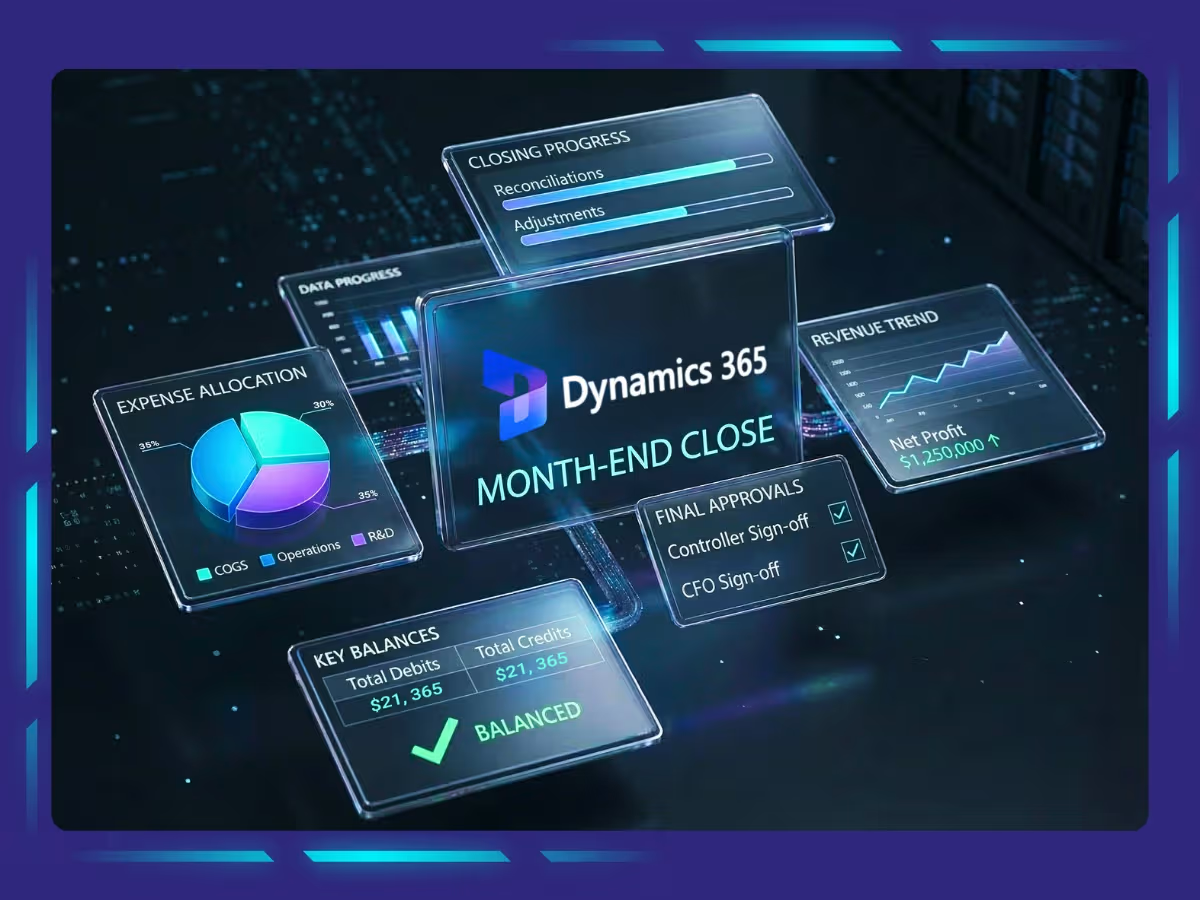
The process overview of MS Dynamics Accounting covers how the software manages your entire accounting workflow from setup and daily transactions to reconciliation, tax handling, and period-end closing in one integrated system. It replaces manual data entry with automated processes across accounts receivable, accounts payable, bank management, and financial reporting, giving you real-time visibility and control over your finances.
Microsoft Business Central, as a cloud-based ERP, connects these processes through structured workflows, accurate data, and built-in automation. This allows businesses to streamline operations, reduce errors, and generate reliable financial insights without relying on outdated or disconnected systems.

MS Dynamics, Refined
Automation Aligned With Your Accounting Strategy
Introduction to Microsoft Business Central
In today’s competitive world, every business owner understands the importance of having a streamlined and efficient accounting process. That is why having a clear process overview of MS Dynamics Accounting is essential, as your accounting function handles your company’s finances and any errors or inefficiencies can directly impact your bottom line. However, the ever-developing world of technology is changing accounting for the better. Currently, numerous top-notch accounting software are available for businesses to choose from, one of them being Microsoft Dynamics 365 Business Central.
Microsoft Business Central is a powerful, all-in-one business management solution that helps businesses streamline their accounting processes. It offers a complete set of features for managing finances, customers, vendors, and inventory. Business Central also includes robust reporting and analytics tools to help businesses make better decisions.is a powerful, all-in-one business management solution that helps businesses streamline their accounting processes. It offers a complete set of features for managing finances, customers, vendors, and inventory. Business Central also includes robust reporting and analytics tools to help businesses make better decisions.
What Are the Key Features of Microsoft Business Central Accounting Software
As businesses grow, managing accounting, reporting, inventory, sales, and operations through disconnected systems becomes difficult. Microsoft Dynamics 365 Business Central helps businesses streamline these functions through a single cloud-based ERP platform designed for scalable financial and operational management.
Business Central automates accounting workflows, improves reporting accuracy, strengthens financial visibility, and connects core business operations in real time. Here are some of the key features of Microsoft Business Central:
Financial management
Business Central enables businesses to have properly organized financial data to help strategize and plan for efficient and accurate financial management. Business Central automates many tedious and time-consuming financial management tasks, such as invoicing, payments, and reconciliations. It frees up your team to focus on more strategic tasks. Also, with its interactive dashboards and reports, you can quickly get an overview of your financial health.
Resource and project management
It offers all the necessary tools to retrieve all important data so you can manage the budgets and monitor the progress of different jobs and projects. Business Central helps track time and manage the usage levels of resources and profitability. It also gives you real-time visibility into your financial situation so you can make informed decisions about where to allocate resources.
Order processing
By automating workflows and updating inventory levels dynamically, Dynamics 365 Business Central helps you monitor and control sales orders and purchases. You can prevent unnecessary or fraudulent purchases by implementing approvals, modifying posted invoices in your financial management system, and registering the correction without hassle.
Warehouse management
Business Central enables businesses to access comprehensive organizational information, connect processes and workflows, automate manual tasks, manage inventory based on facts, and get a clear picture of business performance, margins, profitability, and any improvement opportunities.
Analytics and reporting
Using Dynamics 365 Business Central, you can centralize financial management data across accounting, sales, purchasing, inventory, and customer interactions for an end-to-end view of your business. You can make faster, more informed decisions using connected processes, predictive analytics, and real-time data. Financial reporting using Business Central also helps you easily track your KPIs, ensuring faster and more informed business decisions.
Sales and marketing
By linking your sales and accounting, you can reduce the time from quote to cash using Dynamics 365 Business Central’s sales and marketing functionalities. Integrate your sales and marketing teams and respond swiftly to sales-related inquiries directly from Outlook. Handle multiple ship-to and bill-to addresses per client, as well as direct shipment and invoicing addresses, with ease.
If you are looking for accounting software to help you take your business to the next level, Microsoft Business Central is a great option. It offers a robust set of features and tools to make managing your finances easier than ever before.
What are Core Accounting Processes in Business Central?
Business Central connects your entire accounting workflow; from initial setup to daily transactions, reconciliations, tax handling, and period-end close, into one integrated system. Each function builds on the other, driven by accounting automation, accurate data, and consistent workflows to ensure efficient, reliable financial management.
Accounting for Sales
Manages the full order-to-cash cycle by creating invoices, applying customer payments, tracking receivables, and monitoring aging to ensure timely collections and accurate revenue records.
Accounting for Purchases
Handles the procure-to-pay cycle, including recording vendor invoices, processing payments, tracking payables, and enforcing approval workflows with three-way matching for accuracy.
Bank & Cash Management
Oversees cash flow by managing bank accounts, importing bank feeds, reconciling transactions, and maintaining cash journals for accurate financial tracking.
Fixed Asset Management
Tracks the entire asset lifecycle from acquisition to depreciation and disposal, ensuring accurate valuation, cost tracking, and compliance with accounting standards.
General Ledger and Journal Management
Maintains the financial backbone by recording journal entries, automating postings from sub-ledgers, and enabling structured financial reporting through account schedules.
Reconciliation
Ensures accuracy by matching bank records, verifying ledger balances, and reviewing aging and variances before closing financial periods.
Period-End Closing & Financial Reporting
Finalizes accounts through accruals, deferrals, inventory adjustments, and financial reports like P&L and balance sheet, ensuring accurate period-end closure.
Tax Compliance
Automates tax calculation and reporting by applying correct tax rules, managing multi-state compliance, and generating tax-ready reports for filings.
Intercompany & Consolidation
Manages multi-entity operations by recording intercompany transactions, eliminating duplicates, and consolidating financial data into unified reports across entities.
Top 5 Benefits of Automating Your Accounting Processes with Microsoft Business Central
Automating your accounting with Microsoft Dynamics 365 Business Central helps reduce manual work, improve accuracy, and give you real-time control over your finances. A clear understanding of Business Central can help businesses make better use of its features, connect core processes, and streamline operations while minimizing errors and focusing more on strategic growth. Here’s how it delivers these benefits in practice:
1. Saves time through automation
Business Central eliminates repetitive manual tasks by automatically posting transactions, generating reports, and updating records. This reduces workload and minimizes human error.
2. Improves accuracy with real-time data
You get up-to-date financial data at all times, ensuring reports are accurate and reliable for decision-making. Cloud access also allows you to view data anytime, from anywhere.
3. Delivers actionable business insights
Built-in analytics provide clear visibility into financial performance, customer trends, and profitability, helping you make informed, growth-focused decisions.
4. Strengthens team collaboration
Teams can share documents, assign tasks, and communicate in real time. Integration with tools like Microsoft 365 and Dynamics 365 connects finance with other departments.
5. Enhances data security
Advanced encryption and secure cloud infrastructure protect financial data from unauthorized access, ensuring compliance and data integrity.
Why MS Dynamics Accounting Is a Smart Choice for Scalable Financial Management
The process overview of MS Dynamics Accounting shows how Microsoft Dynamics 365 Business Central brings your entire accounting function into one connected, automated system; from daily transactions to financial reporting and period-end close. It helps reduce manual work, improve accuracy, and give you real-time visibility into your financial performance, so you can make faster, more confident decisions.
As your business grows, managing these processes efficiently becomes even more critical. While Business Central simplifies operations, working with an experienced partner like Whiz Consulting can take it a step further. With the right expertise, you can optimise system usage, maintain accurate books, and free up internal resources to focus on strategic priorities without getting caught up in day-to-day accounting complexities.

Get customized plan that supports your growth

Have questions in mind? Find answers here...
The process overview of MS Dynamics Accounting includes accounts receivable, accounts payable, bank reconciliation, general ledger management, tax compliance, financial reporting, and period-end closing workflows.
Business Central automates transaction posting, invoicing, reconciliations, approvals, reporting, accruals, and tax calculations to reduce manual work and improve accuracy.
Business Central provides real-time dashboards, KPI tracking, predictive analytics, and integrated financial reporting tools for faster and more accurate decision-making.
Yes, Business Central supports intercompany transactions, multi-entity consolidation, multiple tax structures, and unified financial reporting across business units.
Business Central improves security through cloud infrastructure, encryption, automated tax compliance, approval workflows, audit trails, and secure role-based access controls.
Thousands of business owners trust Whiz to manage their account
Let us take care of your books and make this financial year a good one.