

In This Blog Post
Share This Article
- Last Updated: Sep 1, 2026
- 🔊 Listen
TL;DR
- Choose accounting software based on your business needs, not just price.
- Prioritize scalability to avoid costly software migrations later.
- Strong integrations and automation can significantly improve efficiency.
- Evaluate tax compliance and reporting capabilities before purchasing.
- Growing businesses often benefit from combining software with professional accounting expertise.
Choosing the right accounting software is one of the most important financial decisions a business owner can make. The right platform helps manage bookkeeping, invoicing, payroll, cash flow, tax compliance, reporting, and financial visibility, while the wrong one can create inefficiencies, reporting errors, and unnecessary costs.
If you’re wondering how to choose accounting software, the answer depends on your business size, industry, transaction volume, reporting requirements, and future growth plans. For U.S. businesses, factors such as IRS compliance, sales tax management, payroll integration, and scalability should play a major role in the decision-making process. This guide compares leading accounting software solutions, explains what to evaluate before making a choice, highlights common mistakes to avoid, and helps you determine whether DIY accounting or professional accounting support is the better option for your business.

Automated Accounting Expertise for Growth
Get expert guidance to utilise the right accounting solution
Comparing Top Accounting Software for US Businesses
To simplify each software, here is a tabular comparison of QuickBooks, Xero, NetSuite, Zoho Books, and MS Dynamics 365, which are widely used by US businesses:
| Feature | QuickBooks Online | Xero | NetSuite | Zoho Books | Microsoft Dynamics 365 Business Central |
|---|---|---|---|---|---|
| Best For | Small to mid-sized businesses | Small businesses and startups | Growing and enterprise businesses | Budget-conscious businesses | Mid-sized to large businesses |
| Pricing Level | Moderate | Moderate | Premium | Affordable | Premium |
| Ease of Use | Very easy | Easy | Moderate | Easy | Moderate |
| Cloud-Based | Yes | Yes | Yes | Yes | Yes |
| Inventory Management | Basic to advanced | Moderate | Advanced | Moderate | Advanced |
| Payroll Integration | Strong U.S. payroll support | Available via integrations | Advanced | Available | Advanced |
| Multi-Entity Accounting | Limited | Limited | Excellent | Limited | Strong |
| Reporting Capabilities | Strong | Good | Enterprise-grade | Good | Enterprise-grade |
| Automation Features | High | High | Very High | Moderate | Very High |
| Scalability | Good | Good | Excellent | Moderate | Excellent |
| U.S. Tax Support | Strong | Good | Strong | Good | Strong |
| Ideal Business Size | SMBs | Startups & SMBs | Large & Scaling Businesses | Small Businesses | Growing & Enterprise Organizations |
What to Consider Before Choosing the Right Accounting Software
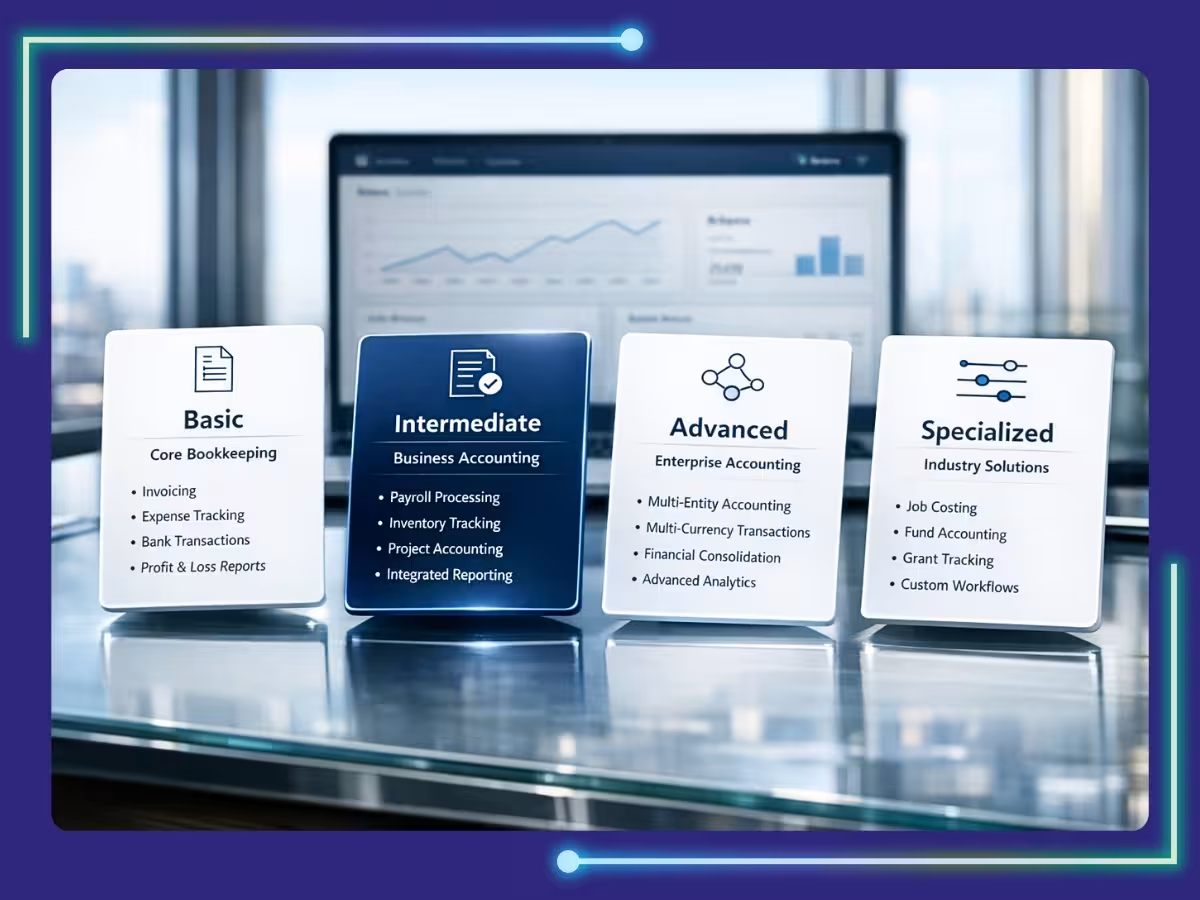
Choosing the right accounting software depends on your business size, industry needs, tax compliance requirements, integrations, reporting capabilities, accounting automation, overall cost, and AI support. Reviewing these factors early helps you select a platform that fits your current operations while supporting future growth.
1. Business Size and Growth Plans
The accounting software that works for a startup may not be suitable for a business, generating millions in annual revenue. Small businesses often prioritize affordability and ease of use, while larger organizations require advanced reporting, automation, and multi-department functionality.
Consider where your business will be in the next three to five years. Choosing software that can scale alongside your growth reduces migration costs and operational disruptions later. A growing U.S. company planning to expand across multiple states, locations, or entities should evaluate software with strong scalability and multi-location accounting capabilities.
2. Industry-Specific Requirements
Different industries have different accounting needs. An ecommerce business may require marketplace integrations with Amazon, Shopify, and Walmart, while construction companies often need job costing features. Healthcare practices may need departmental reporting, and professional services firms often require time tracking and project-based billing.
Before selecting a platform, identify the industry-specific functions that directly impact your operations. Industry alignment often eliminates the need for expensive third-party solutions and manual workarounds.
3. Tax Compliance and Regulatory Support
U.S. businesses must manage federal, state, and local tax obligations. Depending on your location and business model, you may need support for sales tax, payroll taxes, Form 1099 reporting, payroll filings, and other compliance requirements.
The accounting software you choose should simplify tax management rather than create additional complexity. Automated tax calculations, filing support, audit trails, and compliance reporting can significantly reduce risk and administrative burden.
4. Integration With Existing Business Systems
Accounting software should connect seamlessly with the tools your business already uses. This may include CRM platforms, ecommerce systems, payment processors, payroll software, inventory management tools, banking platforms, and reporting applications.
Strong integrations reduce manual data entry, improve accuracy, and create a more connected financial ecosystem. Businesses that rely heavily on automation should prioritize software with a robust integration marketplace and API capabilities.
5. Reporting and Financial Visibility
Financial reports help business owners make informed decisions. Beyond standard profit and loss statements and balance sheets, many businesses require cash flow forecasts, budget tracking, departmental reporting, inventory analysis, and KPI dashboards.
Evaluate the reporting capabilities of each platform carefully. The best accounting software should provide actionable insights that support strategic decision-making rather than simply recording transactions.
6. Automation and Workflow Efficiency
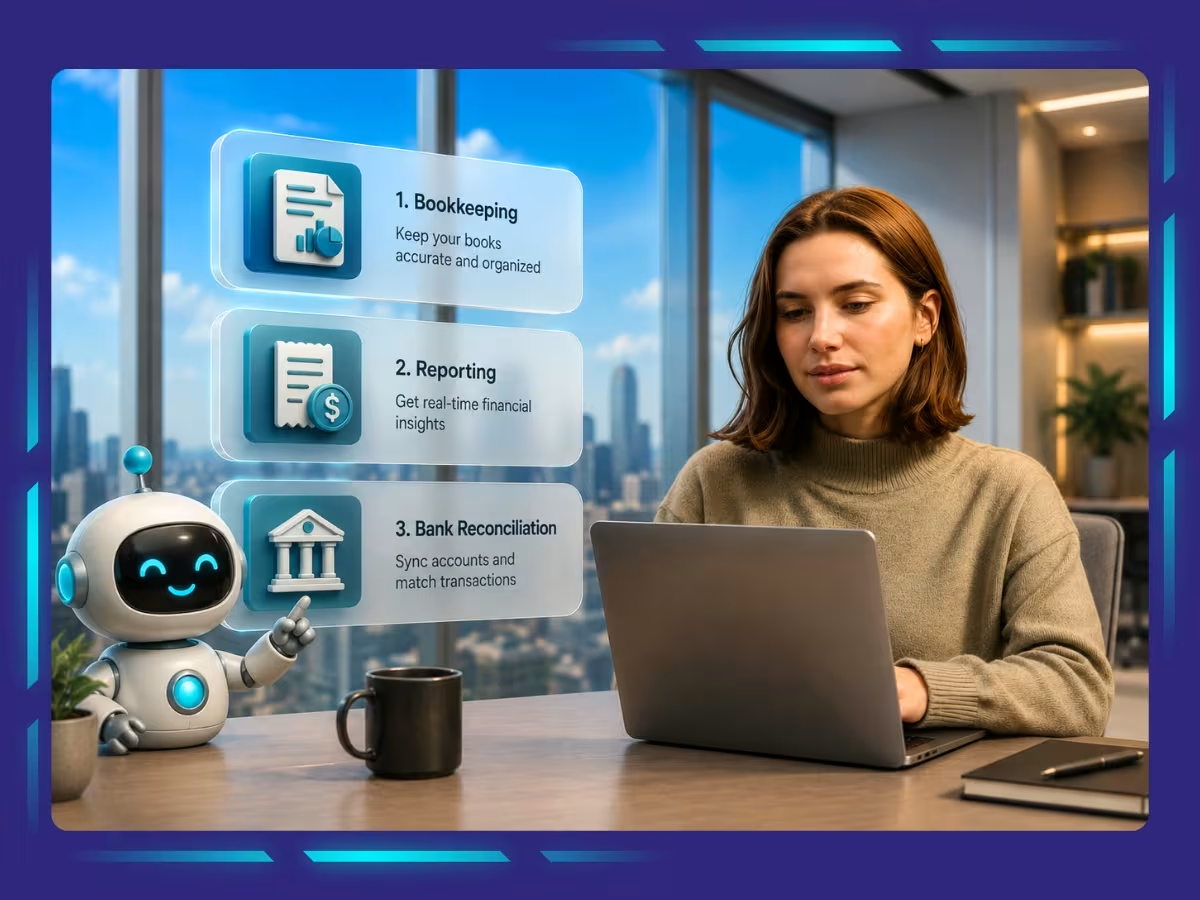
Modern accounting software can automate invoice creation, recurring billing, expense categorization, bank reconciliations, approval workflows, payment reminders, and financial reporting.
Businesses processing large transaction volumes can save significant time through automation. When evaluating software, examine which processes can be automated and how much manual work can realistically be eliminated from daily operations.
7. Total Cost of Ownership
Software pricing involves more than the monthly subscription fee. Businesses should also consider implementation costs, training expenses, customization fees, support plans, integration costs, and future upgrade requirements.
A platform that appears inexpensive initially may become costly if additional users, modules, or integrations are required later. Understanding the full cost of ownership helps businesses make more informed long-term decisions.
8. AI Capabilities and Smart Accounting Support
AI is becoming an important part of modern accounting software, especially for businesses that want faster insights and fewer manual tasks. Many platforms now provide AI in accounting to suggest expense categories, detect unusual transactions, support cash flow forecasting, automate invoice matching, and generate real-time financial insights.
Before choosing accounting software, evaluate how practical its AI features are for your business. The right platform should not just promote AI as a buzzword, it should help reduce errors, improve decision-making, and give your team more time to focus on analysis, planning, and business growth.
Red Flags to Avoid While Choosing Accounting Software
When choosing accounting software, avoid decisions that create long-term limitations, hidden costs, compliance risks, or unnecessary complexity. The right platform should be secure, scalable, easy to use, well-supported, and capable of fitting into your existing financial workflows.
- Choosing software based solely on price
- Ignoring future business growth requirements
- Selecting a platform without strong customer support
- Overlooking security and data protection features
- Failing to verify U.S. tax compliance capabilities
- Choosing software with limited reporting functionality
- Ignoring integration requirements with existing systems
- Purchasing overly complex software for a small business
- Relying entirely on vendor marketing claims
- Not testing the software through a demo or trial period
- Failing to involve finance and accounting stakeholders in the decision
- Ignoring user reviews and customer feedback
- Underestimating implementation and training requirements
- Choosing software with poor scalability
- Selecting a platform without mobile accessibility
- Overlooking data migration challenges
- Failing to evaluate automation capabilities
- Ignoring software update frequency and vendor innovation
How to Decide Whether to Hire an Accountant or Choose DIY Accounting
DIY accounting can be a practical option for freelancers, sole proprietors, startups, and very small businesses with straightforward financial activities. Modern platforms and scalable accounting services have made bookkeeping, invoicing, expense tracking, and basic reporting more accessible than ever. For businesses with limited transaction volumes and simple tax requirements, DIY accounting can help reduce costs during the early stages of growth.
However, as businesses grow, financial complexity increases significantly. Multi-state sales tax compliance, payroll management, financial forecasting, inventory accounting, cash flow planning, and regulatory reporting often require professional expertise. Partnering with a skilled virtual accountant or experienced CPA can identify tax-saving opportunities, improve financial processes, ensure compliance, and provide strategic financial guidance that software alone cannot deliver.
| Factor | DIY Accounting | Hiring an Accountant |
|---|---|---|
| Cost | Lower upfront cost | Higher investment |
| Time Commitment | High | Low |
| Financial Expertise Required | Significant | Minimal |
| Tax Planning | Limited | Advanced |
| Compliance Risk | Higher | Lower |
| Financial Accuracy | Depends on user knowledge | Professional oversight |
| Strategic Advice | Limited | Extensive |
| Scalability | Moderate | Strong |
| Audit Preparedness | Basic | Professional |
| Cash Flow Management | Limited insights | Advanced support |
| Business Growth Support | Moderate | High |
| Reporting Quality | Software-dependent | Expert interpretation |
Remove Accounting Hurdles Using Automated Accounting Expertise
Choosing the right accounting software is not simply about selecting a platform with the most features. It requires understanding your business needs, growth plans, reporting requirements, compliance obligations, and operational workflows. Businesses that align software capabilities with their financial objectives are better positioned to improve efficiency, reduce errors, and make more informed decisions.
At Whiz Consulting, we combine modern accounting technology with experienced accounting professionals to help U.S. businesses streamline bookkeeping, reporting, tax readiness, and financial management. Whether you need support selecting the right accounting software, migrating to a new platform, or managing your day-to-day accounting functions, our team can help you build a more efficient and scalable finance operation.

Get customized plan that supports your growth

Have questions in mind? Find answers here...
QuickBooks Online remains one of the most popular choices for U.S. small businesses due to its strong payroll capabilities, tax support, reporting features, and extensive integration ecosystem. However, the best solution depends on your industry, budget, and growth plans.
When evaluating how to choose accounting software, consider your business size, industry requirements, tax compliance needs, reporting expectations, automation capabilities, integration requirements, and future scalability. A software trial or demo can also help validate your decision.
Cloud-based accounting software generally offers greater accessibility, automatic updates, stronger collaboration, real-time reporting, and easier integrations compared to traditional desktop solutions. Most modern U.S. businesses now prefer cloud-based platforms.
Businesses should consider professional accounting support when transaction volumes increase, compliance becomes more complex, multiple states or entities are involved, or management requires strategic financial insights beyond basic bookkeeping.
Outsourcing accounting can be a cost-effective option for businesses that need professional expertise without the expense of hiring a full-time employee. Outsourced accounting providers can handle bookkeeping, payroll, reporting, tax preparation support, and financial management while allowing businesses to focus on growth and operations.
Thousands of business owners trust Whiz to manage their account
Let us take care of your books and make this financial year a good one.