


In This Blog Post
Share This Article
- Last Updated: Jun 15, 2026
- 🔊 Listen
TL;DR
- Buildium QuickBooks integration automates financial data syncing, reducing manual entry and bookkeeping errors.
- Sync invoices, bills, expenses, and trial balances between Buildium and QuickBooks automatically.
- Maintain accurate customer and vendor records across both platforms with fewer administrative mistakes.
- Expert Buildium accounting support helps streamline reconciliations, reporting, and tax compliance.
Buildium QuickBooks integration connects your property management and accounting systems, allowing financial data such as invoices, bills, expenses, and trial balances to sync automatically between both platforms. This reduces manual data entry, improves accuracy, and gives property managers better visibility into their financial performance.
In this guide, you’ll learn the key benefits of Buildium QuickBooks integration, how to connect both platforms step by step, and what data can be synced between the two systems.

Simplify Buildium QuickBooks Integration
Sync Invoices, Expenses, And Financial Records Automatically
Buildium QuickBooks Integration Explained
Buildium QuickBooks integration streamlines property management accounting by automating financial data synchronization between both platforms, reducing manual bookkeeping and potential errors. When connected, Buildium automatically posts transactions like rent receipts, expenses, and payment records directly into QuickBooks, ensuring that accounting data is always current and accurate.
This integration supports custom mapping, allowing users to tailor the sync based on their specific accounting processes and reporting requirements. By having real-time data transfer, property managers gain up-to-date financial tracking and enhanced reporting capabilities, making tax preparation and IRS compliance easier.
What are the benefits of Buildium QuickBooks integration?
Buildium QuickBooks integration helps property managers automate bookkeeping, reduce manual work, improve financial accuracy, and gain better visibility into property performance. It streamlines accounting workflows by syncing financial data between both platforms.
Reduced Duplicate Data
Buildium and QuickBooks sync financial information automatically, reducing duplicate data entry across systems and saving valuable administrative time.
Automated Data Sync
Automated data synchronization minimizes manual bookkeeping errors and helps maintain consistent financial records across both platforms.
Faster Financial Reports
With transactions updating automatically, you can prepare financial reports faster and spend less time on reconciliations.
Better Performance Visibility
The integration helps you track income, expenses, and profitability at the property level, making portfolio management easier.
Less Stressful Tax Season
Consistent and organized financial data simplifies tax preparation and gives accountants cleaner records to work with.
How do I integrate Buildium with QuickBooks step by step?
Buildium QuickBooks integration begins by opening the integration tab in Buildium, connecting it to your QuickBooks account, authorizing access, and then mapping your chart of accounts so everything aligns properly. Once done, you can sync data between the two platforms with ease.
Let’s walk through each step one by one.
1. Navigate to Integration in Buildium
Start by logging into your Buildium account. From the main dashboard, go to Settings and select the Integrations option. Here, you will find QuickBooks listed among the available integration choices.
2. Connect to QuickBooks
Choose whether you want to connect Buildium to QuickBooks Online or QuickBooks Desktop. Click Connect to begin the linking process. This will open a secure connection between the two systems.
3. Authorize QuickBooks Accounts
A QuickBooks login screen will appear. Sign in with your QuickBooks credentials and allow Buildium to access your data. This authorization step is required so the two platforms can share information securely.
4. Map Chart of Accounts
Match Buildium categories (rental income, security deposits, operating expenses) to the right QuickBooks accounts. Loop in your real estate accountant here to validate mapping reflects how you report at property, portfolio, and owner levels.
5. Sync Data
Once the accounts are mapped, run your first data sync. Transactions from Buildium will transfer into QuickBooks, where you can review and reconcile them. It’s a good practice to compare synced data against Buildium reports, such as the trial balance, to confirm everything matches.
What Accounting Data Gets Synced Between Buildium and QuickBooks?
Buildium QuickBooks integration provides a structured data flow, ensuring consistency across financial reporting. For firms relying on real estate accounting, this means greater accuracy in ledgers, better portfolio insights, and less rework for finance teams.
Here is a table of what data flows between the two systems:
| Data Type | Syncs to QuickBooks |
|---|---|
| Trial Balance | Yes |
| Tenant Invoices | Yes |
| Vendor Bills | Yes |
| Payments | Yes |
| Customer Records | Yes |
| Vendor Records | Yes |
| Journal Entries | Yes |
| Accounts Receivable | Yes |
| Accounts Payable | Yes |
Trial Balance
Buildium pushes a clean trial balance into QuickBooks, reflecting all accounts and balances at a given point in time. This ensures property managers and accountants are working from the same set of books, avoiding discrepancies when preparing financial reports or audits.
Invoices
Tenant invoices generated in Buildium, such as rent charges, late fees, or utility reimbursements, are synced directly into QuickBooks. This means property managers don’t need to re-enter billing data, and accountants can immediately track income against receivables.
Bills/ Vendor Expenses
When vendor bills are entered in Buildium such as contractor fees, maintenance costs, or utility bills, they flow into QuickBooks as accounts payable entries. This eliminates duplicate data entry, ensures vendors are paid on time, and provides a clear expense history that helps monitor property profitability.
Customer Records
Tenant and owner details maintained in Buildium sync with QuickBooks customer records. This ensures that payment histories, outstanding balances, and financial interactions are aligned in both systems. It helps real estate firms maintain a single source of truth for each client while reducing administrative errors.
Vendor Records
Vendor profiles like plumbers, electricians, landscapers, or cleaning companies are shared between Buildium and QuickBooks.
Journal Entries
Adjusting journal entries created in Buildium, such as owner contributions, management fees, or reclassifications, is synced into QuickBooks automatically.
Bank Transactions
Bank feeds and reconciliations from Buildium sync with QuickBooks, meaning deposits, withdrawals, and cleared checks are mirrored accurately.
Payments or Receipts
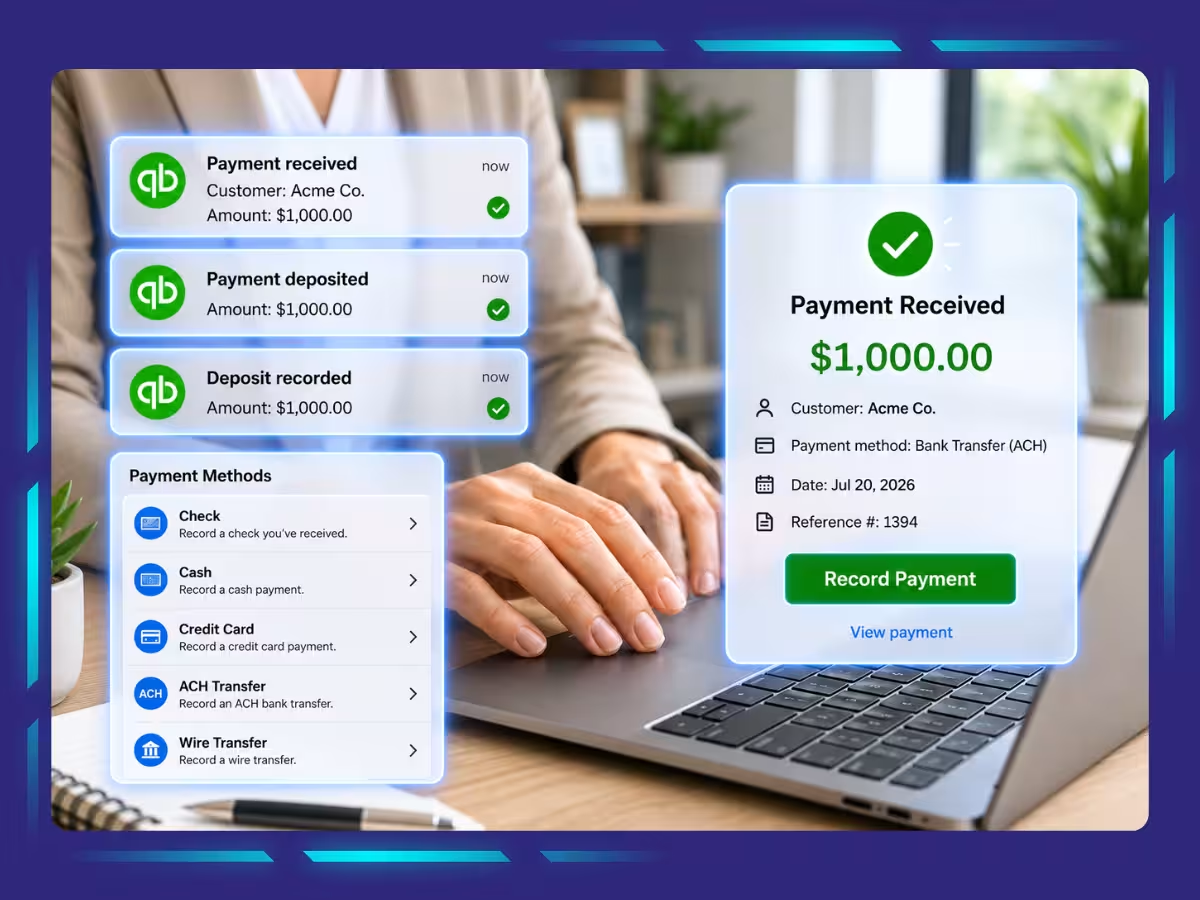
Tenant payments received in Buildium through checks, ACH, or online portals are recorded in QuickBooks as receipts against invoices. Likewise, vendor payments made through Buildium reflect as expenses in QuickBooks.
Accounts Payable and Receivable
Accounts receivable from Buildium, such as tenant charges, sync directly to QuickBooks and update automatically when payments are made, ensuring accurate overdue rent tracking and streamlined collection follow-ups.
At the same time, vendor bills recorded in Buildium appear in QuickBooks as accounts payable, allowing property managers to monitor obligations, schedule payments, and avoid late fees.
Maximize Efficiency with Expert Buildium Accounting Services
Expert Buildium accounting services help property managers streamline financial processes, reduce errors, and stay compliant while focusing on tenant relationships and growth. By combining software efficiency with accounting expertise, these services deliver accurate reporting, improved decision-making, and cost savings. With professionals managing your books, you maximize efficiency, strengthen profitability, and keep your property management business future-ready.
And partnering with Whiz Consulting means tapping into a dedicated team of expert QuickBooks accountants who know how to leverage the platform to deliver comprehensive finance and accounting solutions. We ensure seamless collaboration across time zones, prioritise data security, and offer responsive communication, delivering tailored support that drives long-term success and financial clarity.

Get customized plan that supports your growth

Have questions in mind? Find answers here...
Yes. After the integration is configured, transactions can be synchronized automatically based on your setup preferences.
Yes. Once data flows from Buildium, QuickBooks allows advanced reporting of profit and loss by property, occupancy-linked revenues, vendor spend analysis, and owner distribution reports tailored for overseas stakeholders.
Buildium does not charge any extra fees specifically for QuickBooks integration. The integration feature is included as part of Buildium’s subscription plans. However, you do need an active Buildium account and a QuickBooks subscription, which are separate costs. So, while Buildium itself doesn’t add extra charges for using QuickBooks integration, users must pay for both services individually.
Both platforms use encrypted connections and API-based integration. Security certifications (like SOC 2 for Buildium and Intuit’s compliance standards) ensure safe handling of sensitive financial and tenant data.
Common synced data includes invoices, bills, payments, vendor records, customer records, journal entries, accounts payable, accounts receivable, and trial balances.
Thousands of business owners trust Whiz to manage their account
Let us take care of your books and make this financial year a good one.