



Table of Content
Share This Article
- Last Updated: Oct 27, 2026
- 🔊 Listen
TL;DR
- AI-powered AP automation reduces manual invoice entry, processing time, and repetitive finance work.
- Automated extraction helps capture supplier, invoice, VAT, and payment details more consistently.
- AI can support invoice coding, PO matching, approval routing, duplicate detection, and payment preparation.
- Faster invoice processing gives finance teams better visibility over liabilities and upcoming supplier payments.
- Strong approval rules and exception checks help reduce duplicate, incorrect, or unauthorised payments.
- Clean supplier data and reliable system integration are essential for successful AP automation.
UK businesses are using AI-powered accounts payable (AP) automation to eliminate manual invoice entry, automatically extract receipt and invoice data, streamline multi-way matching, and accelerate approval workflows, reducing processing costs and human errors across financial operations.
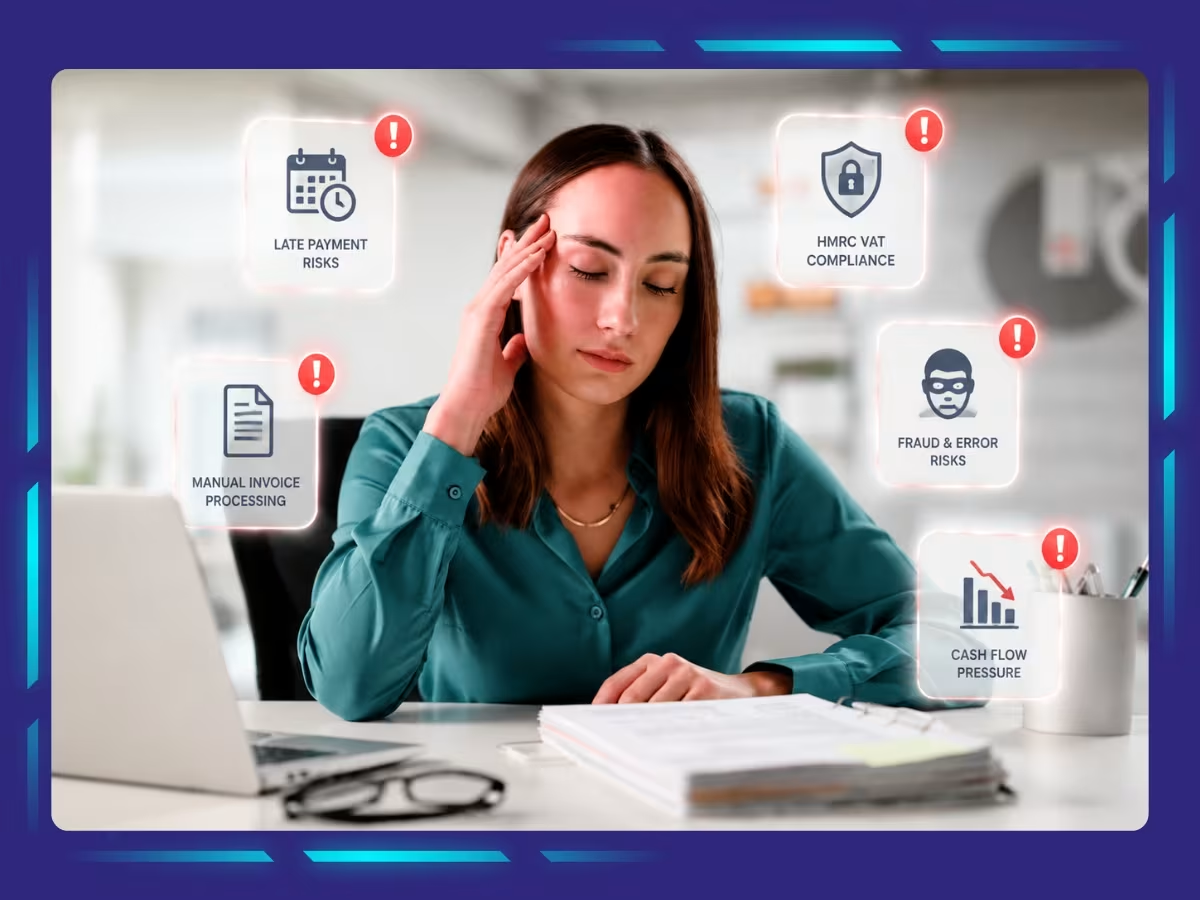
Managing paper invoices and chasing approvals manually drains hours from your finance team and delays month-end closes. Today, leading finance teams across the UK are adopting AI-powered AP automation to modernize their invoice processing. By replacing slow, repetitive tasks with intelligent OCR extraction and automated ledger posting, companies gain real-time cash flow visibility while preventing costly vendor fraud. This blog explores how UK businesses use automation to streamline accounts payable and drive financial efficiency.

Modernise Your AP Process
Discover how AI can simplify invoicing and strengthen payment controls.
What is AI-powered AP automation?
AI-powered AP automation uses artificial intelligence to manage repetitive accounts payable tasks such as invoice capture, data extraction, coding, matching, approval routing, and duplicate detection. Unlike basic automation that follows fixed rules, AI can recognise patterns, interpret invoice data, and flag exceptions that need review.
For UK businesses, this can reduce manual invoice processing, improve accuracy, speed up approvals, and give finance teams better visibility over supplier payments and outstanding liabilities.
Why are UK businesses automating AP invoicing?
UK businesses are adopting AP Automation to reduce manual invoice processing, improve accuracy, speed up approvals, strengthen payment controls, and gain clearer cash flow visibility. It also helps finance teams handle larger invoice volumes with less repetitive work. Here’s why it matters.
- Reduce manual data entry: Invoice details can be captured automatically instead of being entered line by line.
- Speed up invoice approvals: Automated routing sends invoices to the right approvers and reduces unnecessary delays.
- Improve invoice accuracy: AI can identify missing information, duplicate invoices, and mismatches before payment.
- Strengthen VAT processing: Automated extraction can help capture VAT amounts and invoice details more consistently for review.
- Improve payment and cash flow visibility: Finance teams can see which invoices are pending, approved, disputed, or approaching their due dates, and plan upcoming supplier obligations more clearly.
- Lower processing costs: Reducing manual handling can lower the administrative effort required to process each invoice.
- Stronger payment controls: Duplicate detection, approval rules, and exception flags can help reduce incorrect or unauthorised payments.
- Improved audit trails: Automated workflows create clearer records of invoice processing, approvals, and changes.
- Free up finance teams: With routine processing automated, staff can spend more time resolving exceptions, managing suppliers, and reviewing cash flow.
How does AI-powered AP automation work?
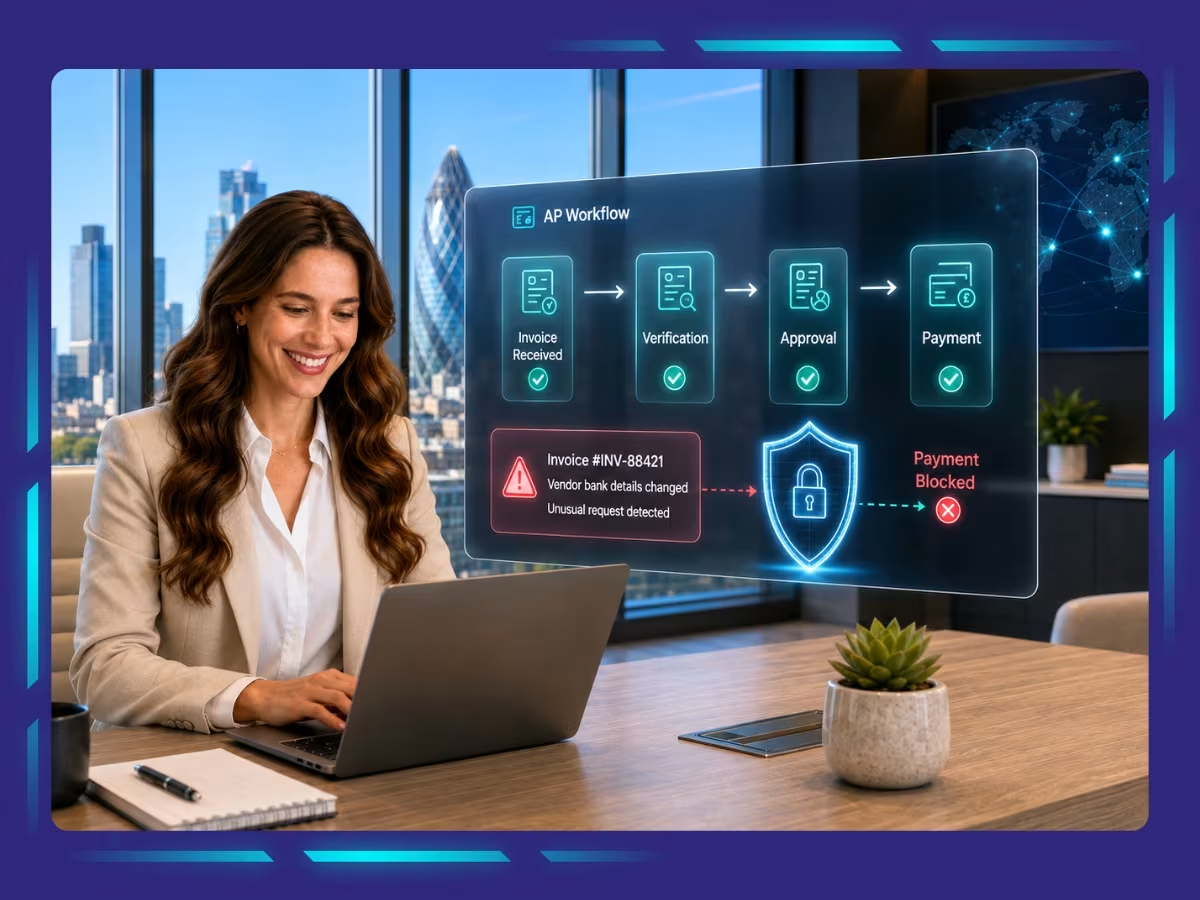
AI-powered AP Automation captures invoice data, codes transactions, matches supporting records, routes approvals, flags exceptions, prepares payments, and supports supplier reconciliation. It reduces manual handling while keeping finance teams focused on invoices that need review. Here’s how it works.
- Capture invoice data: Invoices received by email, PDF, portal, or scan are brought into the AP workflow automatically.
- Extract key details: AI reads supplier names, invoice numbers, dates, VAT amounts, totals, and payment terms.
- Code invoices: AI suggests the correct general ledger account, cost centre, or department based on historical patterns.
- Match supporting records: Invoice details can be compared with purchase orders, goods receipts, or other supporting documents.
- Route invoices for approval: The system sends invoices to the appropriate approver based on value, supplier, department, or predefined workflow rules.
- Flag exceptions: Duplicate invoices (matching numbers, amounts, suppliers, or payment details), mismatched amounts, missing information, or unusual activity can be highlighted for review before payment.
- Post approved invoices: Once approved, invoice data can be transferred into the accounting or ERP system for payment and reporting.
- Prepare payments: Approved invoices can be organised by due date and grouped into payment batches for review.
- Reconcile supplier statements: Supplier statements can be compared with AP records to identify missing invoices, credits, or unmatched balances.
How to Implement AP Automation Step by Step
To implement AP Automation, review your current process, identify tasks to automate, clean supplier data, choose the right tool, set approval rules, integrate systems, test the workflow, and monitor performance. Here’s how to do it step by step.
Step 1: Review your current AP process
Map how invoices are received, coded, approved, posted, and paid. Identify where delays, duplicate work, manual entry, or frequent errors occur.
Step 2: Identifytasks to automate
Start with repetitive activities such as invoice capture, data extraction, coding, PO matching, approval routing, duplicate detection, and payment preparation.
Step 3: Clean supplier and invoice data
Review supplier names, payment terms, VAT details, bank information, and duplicate vendor records. Clean data helps automated workflows make more reliable matches and classifications.
Step 4: Choose the right AP automation tool
Select a solution that fits your invoice volume, approval structure, accounting software, and reporting needs. Check integration, security, audit trails, exception handling, and VAT support.
Step 5: Set approval and exception rules
Define who approves invoices, value thresholds, PO requirements, high-risk supplier checks, and when invoices should be sent for manual review.
Step 6: Integrate with your accounting or ERP system
Connect the AP automation platform with your accounting software or ERP so approved invoice data can flow into the general ledger without repeated manual entry.
Step 7: Test the workflow before full rollout
Run a controlled batch of invoices and check extraction accuracy, coding, matching, approval routing, VAT treatment, and posting before expanding automation across the full AP process.
Step 8: Monitor performance and refine the process
Track metrics such as processing time, exception rates, approval delays, duplicate invoices, and payment accuracy. Use these results to refine rules and improve the workflow over time.
Where expert accountants add value to your AP invoicing?
Expert accountants strengthen AP Automation by reviewing complex invoices, resolving matching issues, checking VAT treatment, correcting coding errors, verifying balances, and overseeing high-risk payments. Here’s where their expertise adds the most value.
- Review complex invoices: Accountants assess unusual charges, unclear descriptions, and invoices that need additional supporting documents.
- Resolve matching issues: They investigate differences between invoices, purchase orders, and goods receipts before payment is approved.
- Check VAT treatment: Experts review VAT coding and invoice details where automated classification may not be reliable.
- Correct coding errors: They verify general ledger accounts, cost centres, and expense classifications before posting.
- Review high-risk payments: Accountants apply additional checks to large payments, unusual suppliers, or changes to bank details.
- Handle supplier disputes: Human review helps resolve differences in pricing, quantities, credits, and payment terms.
- Verify AP balances: Accountants reconcile supplier statements and outstanding balances to keep liabilities accurate.
- Support month-end close: They review AP records, accruals, and outstanding invoices before financial statements are finalised.
Strengthen AP Process with Expert Accounts Payable Services
AI-powered AP automation can make invoice processing faster, more accurate, and easier to control. But the strongest results come when automation is supported by clear approval rules, reliable supplier data, regular exception reviews, and experienced financial oversight. Combining technology with expert review helps you reduce manual work without losing control over VAT treatment, supplier payments, or month-end reporting.
At Whiz Consulting, our accounts payable services combine structured AP workflows with expert accounting support to help UK businesses manage invoices more efficiently. We support invoice processing, coding, reconciliations, supplier account reviews, approval tracking, and exception handling. This helps you strengthen your AP process, maintain accurate records, and get more value from automation without compromising financial control.

Get customized plan that supports your growth

Have questions in mind? Find answers here...
AI can read invoices received through email, PDFs, scans, or other digital channels and extract details such as supplier names, invoice numbers, dates, amounts, and VAT information. The data can then move into matching, coding, and approval workflows.
Yes. AI can suggest invoice categories, general ledger accounts, cost centres, or other coding based on historical patterns and invoice information.
AI can flag suspected duplicate invoices, unusual amounts, mismatched supplier information, and other anomalies for review. However, these alerts should support fraud controls rather than replace human verification and approval procedures.
Yes. Automated invoice capture can improve the consistency of VAT data extraction and digital recordkeeping. However, experts should still review VAT treatment, particularly for unusual or complex transactions. HMRC requires VAT-registered businesses subject to Making Tax Digital rules to maintain specified VAT records digitally.
Yes. Small businesses can use AP automation to reduce manual invoice entry, speed up approvals, and manage increasing invoice volumes without adding the same level of administrative work. The right solution should match the business’s invoice volume, budget, and existing accounting workflow.
AI is more likely to change AP roles than eliminate the need for them. Automation can handle repetitive processing, while finance professionals remain important for reviewing exceptions, resolving supplier issues, checking VAT treatment, managing controls, and approving higher-risk payments.
Businesses should review integration capabilities, invoice capture accuracy, approval workflows, exception handling, security, audit trails, VAT requirements, scalability, and reporting. They should also clean supplier data and define clear approval controls before automating the workflow.
Thousands of business owners trust Whiz to manage their account
Let us take care of your books and make this financial year a good one.



This website uses cookies to improve your experience. You can accept all or reject non-essential cookies.