

Table of Content
Share This Article
- Last Updated: Sep 2, 2026
- 🔊 Listen
TL;DR
- Month-end close is a financial control process, not just a routine task. It supports accurate reporting and smarter business decisions for Australian businesses.
- A structured review in Microsoft Dynamics 365 Business Central helps reduce errors, reporting delays, and last-minute adjustments.
- Core areas like trial balance, bank reconciliations, accounts receivable, accounts payable, and GST should be reviewed consistently each month.
- Reconciliation between subledgers and the general ledger is essential for reliable financial records.
- Manual journal entries need closer review to prevent errors or misstatements.
- Automation can improve speed, but human review is still vital for accuracy and confidence.
- A disciplined month-end close process helps deliver audit-ready financials, stronger controls, and better visibility over business performance.
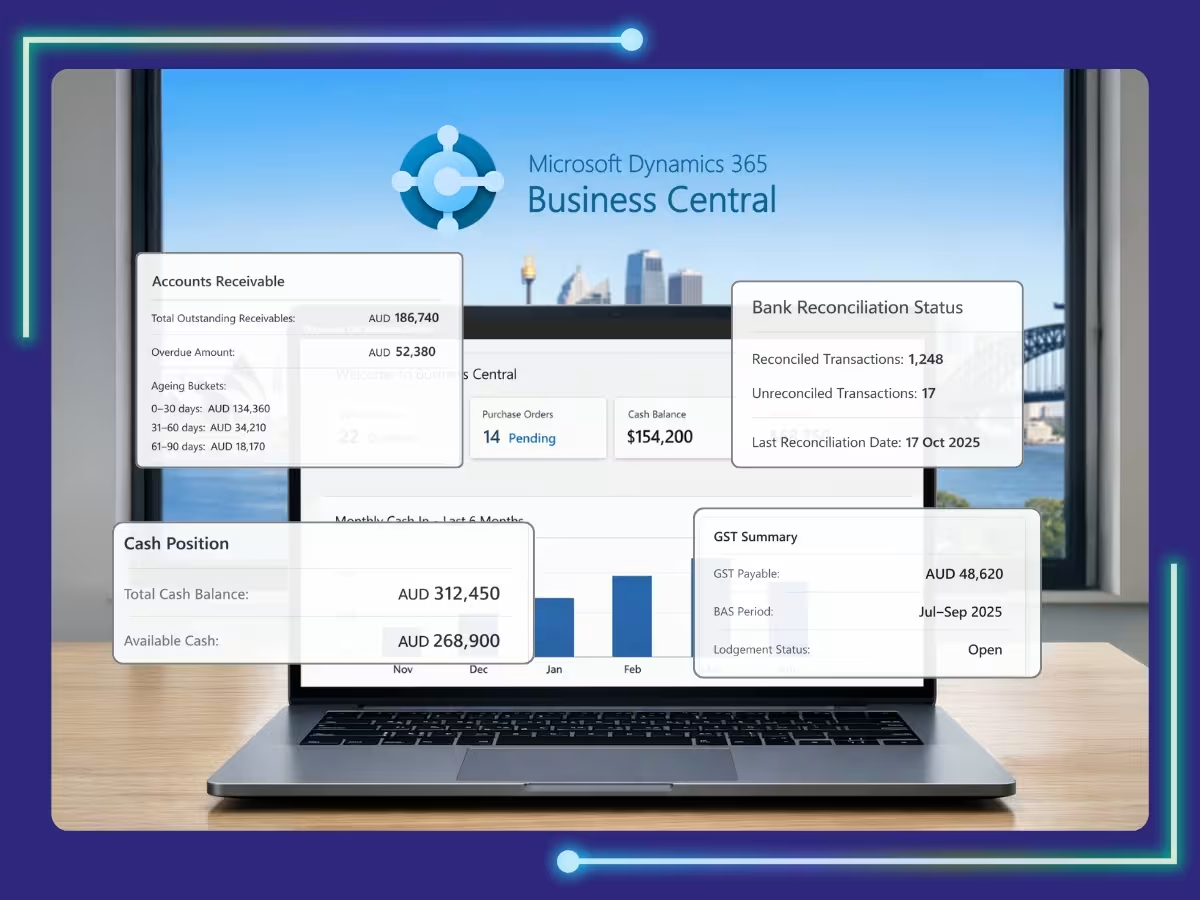
A structured month end close checklist for Microsoft Dynamics 365 Business Central is essential for maintaining accurate financial records and supporting smarter business decisions. In Business Central, the difference between a stressful month-end close and a smooth, controlled process often depends on preparation, workflow discipline, and proper system management.
This guide gives Australian financial controllers a practical and structured approach to streamline reconciliations, automate recurring entries, and strengthen data integrity within Business Central. By applying these methods, finance teams can shorten close cycles, improve reporting accuracy, and generate insights that support sustainable growth.

MS Dynamics, Refined
Automation Aligned With Your Accounting Strategy
Why a Structured Month-End Review Matters for Australian Businesses
Even with modern ERP automation, financial accuracy still depends on consistent review and professional judgement. Accounting automation can process transactions efficiently, but it cannot fully replace human oversight, validation, or commercial reasoning. A disciplined month-end review ensures financial data is complete, accurate, and aligned with actual business performance before reports are finalised. A structured review process helps Australian organisations:
Identify posting errors and unusual transactions
Spot incorrect journal entries, duplicate postings, coding errors, or transactions that sit outside normal operating patterns.
Ensure subledgers reconcile with the general ledger
Confirm balances across bank accounts, accounts receivable, and accounts payable align with the general ledger, reducing discrepancies.
Validate GST and statutory compliance
Review GST coding, Business Activity Statement obligations, payroll-related entries, and statutory balances to support Australian compliance requirements.
Detect trends affecting profitability
Analyse revenue movement, margin shifts, rising costs, and expense trends that may affect business performance.
Maintain audit-ready records
Ensure reconciliations, support documents, and period-end adjustments are properly documented and easy to trace.
Prevent last-minute surprises
Resolve discrepancies early to avoid delays, rushed corrections, or inaccurate reporting at month-end.
What Are the 10 Core Areas to Review in Business Central?
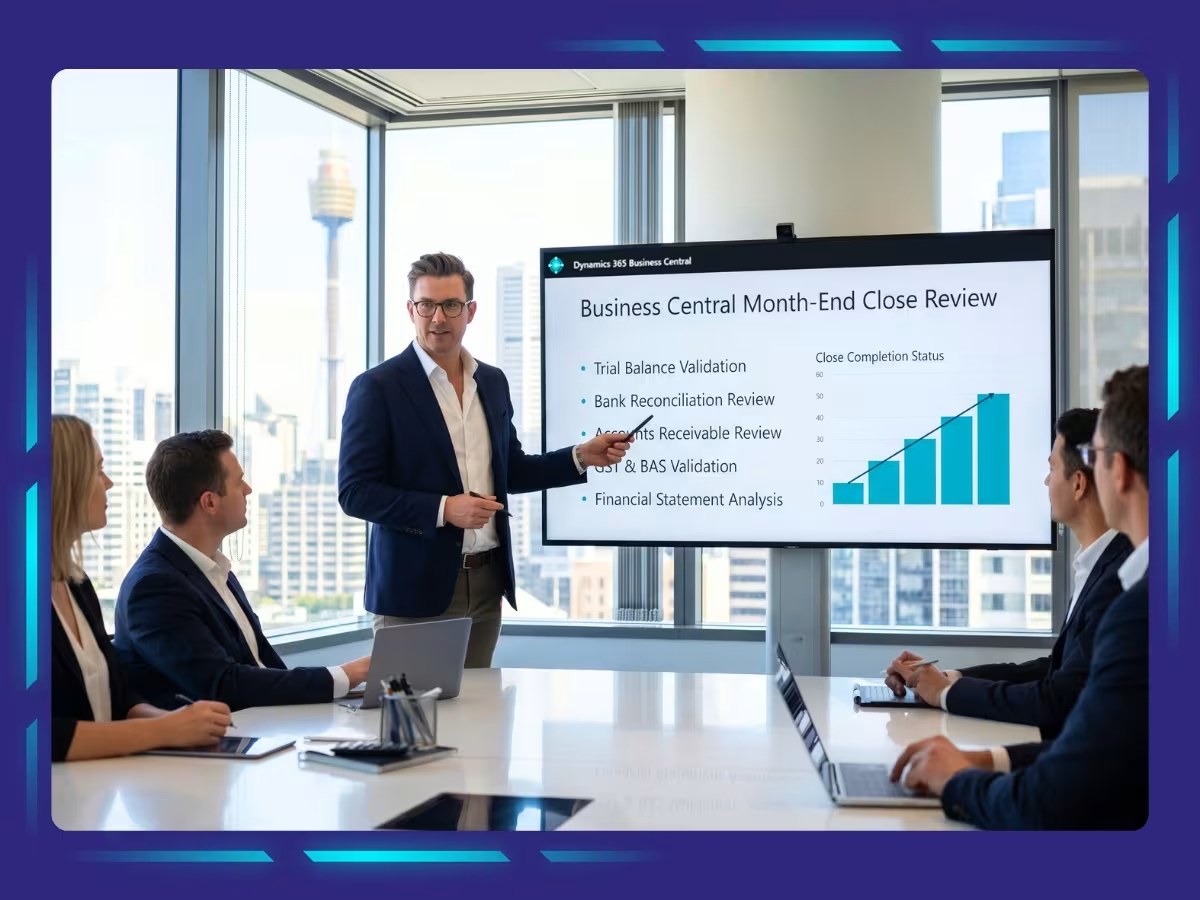
Before closing the books in Business Central, Australian finance teams should confirm that all balances, reconciliations, receivables, payables, GST entries, assets, inventory, journals, and financial reports accurately reflect the month’s activity. To keep the process consistent and reliable, these 10 areas should be reviewed each month.
1. Trial Balance Validation
The trial balance is the first checkpoint before finalising accounts. It gives a consolidated view of balances and helps identify issues that may affect reporting accuracy.
Navigation in Business Central:
Global Search (Alt + Q) → Trial Balance

Review points:
- Unexpected balances or unusual fluctuations.
- Negative balances in accounts where they should not exist.
- Significant month-on-month movements.
- Missing revenue or expense postings.
- Variances against budgets or prior periods.
2. Bank Reconciliation Review
Bank reconciliation ensures recorded cash balances match actual bank statements. This is essential for accurate cash reporting.
Navigation:
Cash Management → Bank Reconciliation

Verify that:
- Receipts, payments, transfers, and direct debits are recorded correctly.
- Bank feeds are posted accurately.
- Outstanding items are identified and explained.
- The bank GL balance matches the statement balance.
Common risks:
- Old unreconciled items.
- Frequent manual adjustments.
- Unexplained balance differences.
3. Accounts Receivable Review
Receivables review helps assess customer payment behaviour, debtor risk, and future cash flow.
Navigation:
Global Search (Alt + Q) → Aged Accounts Receivable / Customer Ledger Entries

Review points:
- Overdue invoices.
- Unapplied receipts.
- Customer credit balances.
- Large or unusual invoices.
- Reconciliation of the customer ledger to the AR control account.
4. Accounts Payable Review
Accounts payable review ensures supplier obligations are complete and accurate.
Navigation:
Global Search (Alt + Q) → Aged Accounts Payable / Vendor Ledger Entries

Review points:
- Unapplied supplier payments.
- Duplicate invoices.
- Long-outstanding balances.
- Reconciliation of the supplier ledger to the AP control account.
5. GST and BAS Validation
For Australian businesses, the GST review is a critical part of the month-end. It helps ensure accurate BAS reporting and reduces ATO compliance risk.
Review points:
- GST on sales and purchases is coded correctly.
- GST collected aligns with revenue.
- Input tax credits align with expenses.
- BAS data is complete and accurate.
- Manual GST adjustments are supported.
6. Intercompany and Clearing Accounts
Temporary accounts should not carry unexplained balances at month-end.
Accounts to review:
- Intercompany accounts.
- Payment clearing accounts.
- Suspense accounts.
Review points:
- Residual balances needing clearance.
- Incorrect postings.
- Recurring balances indicate process issues.
7. Fixed Asset Review
Fixed asset review ensures assets are properly capitalised, depreciated, and reflected in reports.
Navigation:
Global Search (Alt + Q) → Fixed Asset Ledger Entries

Review points:
- Depreciation posted correctly.
- New assets classified properly.
- Subledger reconciles to GL.
- Disposals and write-offs are recorded accurately.
8. Inventory Validation (If Applicable)
Inventory balances must reflect real stock levels and correct valuation.
Navigation:
Inventory → Item Ledger Entries
Review points:
- Negative stock balances.
- Large adjustments or revaluations.
- Inventory subledger to GL reconciliation.
- Quantity and valuation accuracy.
- Comparison with stocktakes.
9. Manual Journal Entry Review
Manual journals need closer scrutiny because they may bypass automated controls.
Navigation:
Global Search (Alt + Q) → General Ledger Entries
Review points:
- Adjustment journals.
- High-value entries.
- Late-period postings.
- Unusual account combinations.
10. Financial Statement Analysis
The final step is reviewing reports to ensure results reflect actual performance.
Navigation:
Financial Reports / Account Schedules
Review points:
- Revenue trends.
- Margin movement.
- Cost overruns.
- Balance sheet shifts.
- Variances against the budget and prior periods.
Simplify Your Month-End Close with an Australian Business Central Expert
A disciplined month-end close checklist for Microsoft Dynamics 365 Business Central helps businesses improve control, consistency, and financial visibility. With Business Central, Australian businesses can streamline reconciliations, strengthen reporting workflows, and generate accurate financial reports faster and more efficiently.
At Whiz Consulting, our Business Central accounting specialists support Australian businesses with stronger close processes, cleaner workflows, and practical reporting frameworks. We help finance teams close faster, improve accuracy, and build a stronger financial foundation for growth.

Get customized plan that supports your growth

Have questions in mind? Find answers here...
For most Australian mid-sized businesses, a month end close checklist for Microsoft Dynamics 365 Business Central is typically completed within 3 to 5 business days, depending on workflow efficiency and automation levels.
Business Central automates recurring journals, reconciliations, accruals, and reporting tasks, helping businesses reduce manual work, improve accuracy, and speed up financial close activities.
Yes, many businesses outsource month-end close activities to MS Dynamics accounting specialists to improve reporting accuracy, compliance, and operational consistency.
Businesses can improve accuracy by maintaining timely transaction posting, regular reconciliations, proper GST coding, and structured review processes before closing the reporting period.
External accounting experts help businesses streamline reconciliations, maintain compliance, improve reporting quality, and optimise financial workflows within Business Central.
Thousands of business owners trust Whiz to manage their account
Let us take care of your books and make this financial year a good one.