

Table of Content
Share This Article
- Last Updated: Aug 24, 2026
- 🔊 Listen
TL;DR
- Moving accounting online helps Australian businesses improve efficiency, visibility, and collaboration.
- A successful transition requires planning, data preparation, and the right technology.
- Cloud accounting reduces manual processes and provides real-time financial insights.
- Choosing an experienced online accounting partner minimises disruption and implementation risks.
- Security, user adoption, and ongoing optimisation determine long-term success.
Today’s fast-paced business environment requires organisations to operate efficiently, adapt quickly, and make informed decisions. Traditional accounting systems often rely heavily on manual processes, disconnected information, and limited accessibility, making it increasingly difficult to maintain competitiveness.
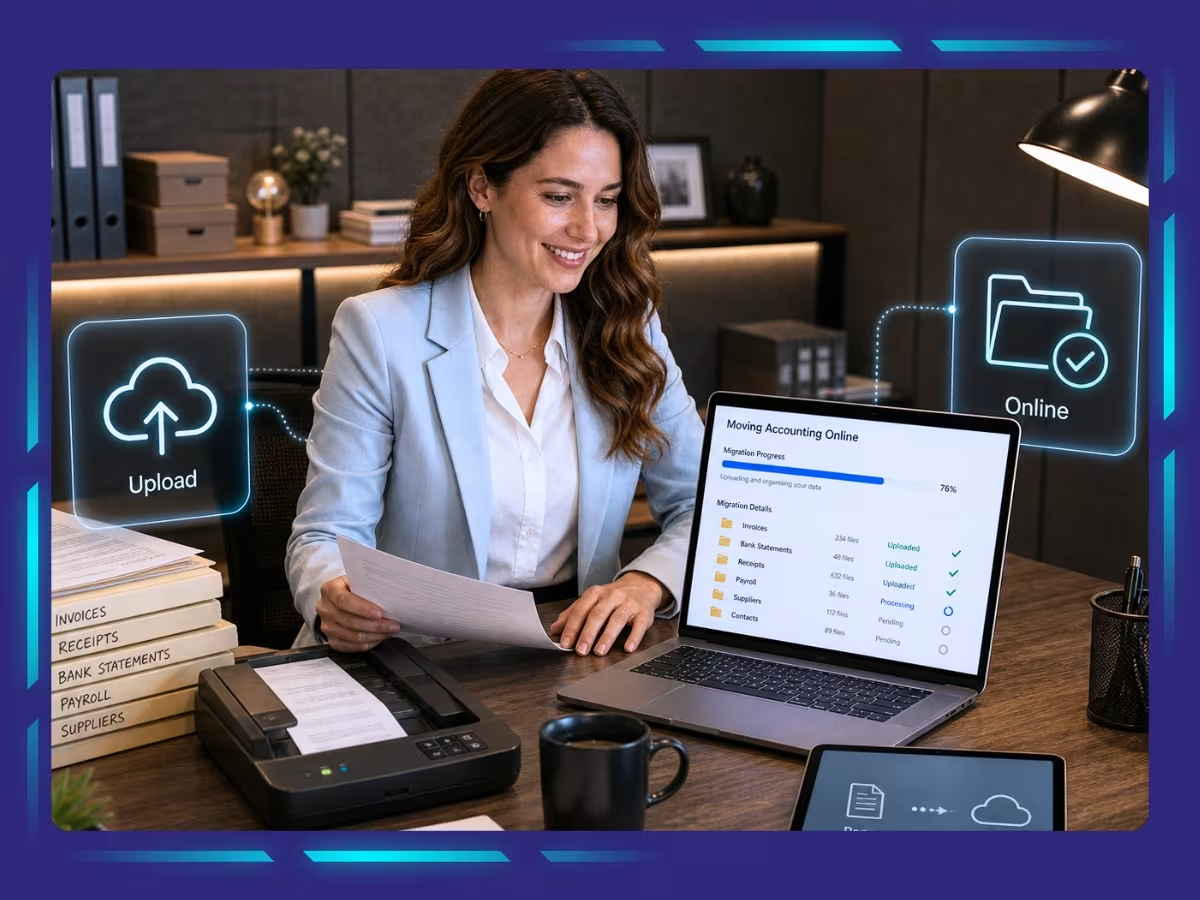
As a result, many Australian businesses are now moving accounting online to improve efficiency, strengthen collaboration, and gain better control over their finances. Whether you are a small business transitioning for the first time or an established organisation modernising your finance function, following a structured migration process can help ensure a successful outcome.

Bring Accounting Online
Move to cloud accounting with confidence
Why Are Australian Businesses Moving Accounting Online?
Australian businesses are embracing online accounting because it improves operational efficiency, increases visibility, and enables more agile financial management.
Enhanced Efficiency
One of the biggest advantages of moving accounting online is the elimination of repetitive administrative tasks.
Cloud accounting systems help businesses:
- Automate transaction processing
- Reduce duplicate data entry
- Simplify invoice generation
- Streamline reconciliations
- Improve workflow consistency
Instead of spending valuable time on manual tasks, teams can focus on higher-value activities.
Improved Accuracy
Accuracy is essential in financial management. Online accounting solutions minimise human error by automating calculations and synchronising data across systems. Businesses benefit from:
- Reduced reconciliation errors
- More reliable financial records
- Consistent reporting
- Fewer manual adjustments
The result is greater confidence in financial information.
Anywhere Access and Collaboration
Cloud technology allows authorised users to access financial data from virtually anywhere. This enables:
- Remote collaboration
- Multi-user access
- Faster approvals
- Improved communication
- Business continuity
Whether employees work from the office, home, or while travelling, access remains uninterrupted.
Stronger Security Controls
Financial information remains highly sensitive. Modern cloud accounting platforms offer advanced security features such as:
- Data encryption
- User permissions
- Multi-factor authentication
- Activity monitoring
- Automated backups
These controls often exceed the security measures found in traditional systems.
Better Financial Visibility
Real-time access to financial information supports stronger decision-making. Business owners can monitor:
- Revenue performance
- Expenses
- Outstanding invoices
- Cash flow
- Profitability trends
Timely information enables businesses to respond proactively rather than reactively.
Lower Operating Costs
Moving accounting online can reduce overhead costs associated with maintaining large internal accounting functions. Potential savings include:
- Reduced paper usage
- Lower infrastructure costs
- Fewer manual processes
- Improved productivity
- More efficient resource allocation
What Should You Do Before Moving Accounting Online?
Preparation significantly reduces migration risks and improves implementation outcomes.

Assess Your Current Accounting Processes
Begin by reviewing how your existing systems operate.
Identify:
- Manual bottlenecks
- Duplicate processes
- Reporting challenges
- Compliance concerns
- Areas causing delays
Understanding your starting point helps define priorities.
Define Your Migration Objectives
Clearly establish what success looks like. Common objectives include:
- Faster reporting cycles
- Improved cash flow visibility
- Greater automation
- Enhanced compliance
- Better collaboration
- Reduced administrative effort
Clear objectives guide technology and implementation decisions.
Decide Which Services You Need
Not every business requires the same level of support. You may need assistance with:
- Bookkeeping
- Payroll
- Accounts payable
- Accounts receivable
- Reporting
- BAS preparation
- Advisory services
Some providers offer full-service packages, while others provide tailored solutions.
Your Step-by-Step Playbook for Moving Accounting Online
A structured approach helps businesses transition smoothly while minimising disruption.
Step 1: Choose the Right Cloud Accounting Platform
Selecting suitable software forms the foundation of successful migration.
Australian businesses commonly use:
- Xero
- QuickBooks Online
- MYOB
When evaluating platforms, consider:
- Ease of use
- Integration capabilities
- Reporting functionality
- Scalability
- Support availability
The right platform should align with both current and future needs.
Step 2: Prepare and Clean Existing Data
Before migration begins, review your existing financial records.
This includes:
- Removing duplicate records
- Reviewing customer information
- Updating supplier details
- Validating opening balances
- Confirming account structures
Clean data improves implementation outcomes.
Step 3: Migrate Financial Information
The migration process may involve transferring:
- Historical transactions
- Customer records
- Supplier records
- Payroll data
- Bank information
- Chart of accounts
Careful validation ensures accuracy throughout the transition.
Step 4: Configure Workflows
Once data is transferred, establish workflows that support efficiency.
Configure:
- Approval processes
- Invoice templates
- Expense categories
- Reporting schedules
- Payment processes
- User permissions
Tailored workflows maximise value.
Step 5: Train Internal Teams
Technology adoption plays a critical role in success. Ensure users understand:
- Daily processes
- System navigation
- Access permissions
- Reporting functions
- Approval responsibilities
Well-trained teams adapt more quickly.
Step 6: Monitor and Optimise
Migration does not end after implementation. Businesses should always:
- Review system performance
- Gather user feedback
- Adjust workflows
- Explore additional automation opportunities
- Update reporting requirements
Continuous improvement strengthens outcomes.
How to Choose the Right Online Accounting Partner
Selecting the right partner can significantly influence the success of your transition, ensuring smoother implementation, stronger adoption, and long-term operational efficiency.
Evaluate Experience
Choosing a provider with proven migration experience reduces disruption and helps businesses avoid common implementation mistakes during the transition to online accounting.
Look for providers with demonstrated experience supporting Australian businesses through online accounting migrations.
Assess Team Expertise
The knowledge and capabilities of the team handling your migration directly influence implementation quality and long-term success.
Discuss:
- Qualifications
- Industry knowledge
- Technical capabilities
- Implementation experience
Experienced professionals reduce implementation risks.
Confirm Support Availability
Reliable support ensures issues are resolved quickly and keeps your migration progressing smoothly without unnecessary delays.
Understand:
- Response times
- Support channels
- Escalation procedures
- Availability during migration
Reliable support improves confidence.
Compare Pricing Models
Understanding how services are priced helps businesses balance affordability with the value delivered throughout the migration process. Request detailed pricing information and evaluate:
- Included services
- Ongoing support
- Setup fees
- Additional charges
Review Technology Capabilities
Strong technology expertise ensures your accounting systems remain efficient, scalable, and capable of supporting future business requirements.
Ensure providers support leading cloud platforms and understand automation opportunities.
Check Responsiveness
Prompt and proactive communication builds trust and enables businesses to address challenges before they affect operations.
Strong communication remains essential during periods of change.
Common Challenges When Moving Accounting Online
Transitioning to cloud accounting is highly beneficial, but businesses should anticipate potential obstacles.
| Challenge | Practical Solution |
|---|---|
| Resistance to change | Provide user training |
| Poor data quality | Clean data before migration |
| Security concerns | Implement strong controls |
| Integration difficulties | Plan and test thoroughly |
| Downtime worries | Use phased implementation |
| Budget concerns | Focus on long-term ROI |
Traditional Accounting vs Online Accounting
Traditional and online accounting differ significantly in accessibility, efficiency, and reporting capabilities, making this comparison essential when planning your accounting migration.
| Traditional Accounting | Online Accounting |
|---|---|
| Manual data entry | Automated workflows |
| Office-based access | Anywhere accessibility |
| Delayed reporting | Real-time insights |
| Limited collaboration | Multi-user functionality |
| Paper-heavy processes | Digital records |
| Higher administrative effort | Greater efficiency |
Partner with Experts to Make the Transition Easier
Moving accounting online is more than a technology project. It represents an opportunity to strengthen financial processes, improve visibility, and position your business for future growth.
At Whiz Consulting, our online accounting services and bookkeeping services help Australian businesses modernise their finance functions with confidence. Whether you require end-to-end migration support or assistance with specific accounting processes, our experienced professionals work alongside your team to minimise disruption and maximise value.

Get customized plan that supports your growth

Have questions in mind? Find answers here...
Start by reviewing your current accounting processes and identifying areas that rely heavily on manual work. Then choose a suitable cloud accounting platform, clean and prepare your existing financial data, migrate records carefully, configure workflows, train users, and monitor the system after implementation to ensure a smooth transition.
Migrating from desktop to cloud accounting involves selecting the right cloud platform, exporting and validating historical financial data, transferring customer and supplier records, setting up integrations, and testing the new system before going live. Many Australian businesses also work with online accounting specialists to minimise disruption during the migration process.
The timeframe depends on the complexity of your business, transaction volumes, and the quality of existing records. Simple migrations can often be completed within a few days, while larger businesses with multiple systems and extensive historical data may require several weeks to ensure accurate implementation and testing.
Moving from MYOB desktop to a cloud environment typically involves reviewing and cleaning existing data, exporting company files, selecting the appropriate MYOB cloud solution or alternative platform, migrating financial records, setting up user access, and validating reports to confirm that balances and transactions transfer correctly.
If your business relies on manual processes, struggles with delayed reporting, requires remote access, or wants to improve efficiency and collaboration, moving accounting online can be highly beneficial. Online accounting provides real-time visibility, stronger automation capabilities, enhanced accessibility, and the flexibility to support future business growth.
Thousands of business owners trust Whiz to manage their account
Let us take care of your books and make this financial year a good one.