


Table of Content
Share This Article
- Last Updated: Aug 4, 2026
- 🔊 Listen
TL;DR
- Growing Australian businesses often migrate from Xero to NetSuite as financial operations become more complex.
- NetSuite provides multi-entity accounting, advanced automation, consolidated reporting, and stronger business intelligence.
- Successful migration requires careful planning, data cleansing, GST mapping, and system configuration.
- Working with an experienced implementation partner helps minimise migration risks and reporting errors.
- A structured migration approach enables businesses to scale with greater financial visibility and control.
Xero to NetSuite migration helps Australian businesses move from small business accounting software to a scalable ERP platform that supports multi-entity management, automation, GST reporting, and real-time financial visibility.
For many Australian businesses, moving from Xero isn’t about replacing a poor accounting system; it’s about supporting business growth. As operations expand across multiple locations, legal entities, currencies, or business divisions, finance teams require more sophisticated reporting, stronger internal controls, and integrated operational visibility.
NetSuite addresses these challenges by combining accounting, ERP, automation, CRM, inventory, reporting, and business intelligence within one cloud platform. However, migrating financial systems requires careful planning. Data quality, GST configuration, chart of accounts mapping, historical transactions, and user adoption all play an important role in a successful transition.

Upgrade to NetSuite
Migrate confidently with expert NetSuite support
Why Australian Businesses Migrate from Xero to NetSuite
Businesses typically migrate from Xero to NetSuite when financial complexity exceeds the capabilities of traditional accounting software, requiring greater automation, scalability, and operational visibility.
Multi-Entity Financial Management
NetSuite enables organisations to manage multiple subsidiaries, locations, currencies, and business units from one platform.
Instead of manually consolidating financial reports, businesses gain centralised reporting with automated intercompany processes and stronger financial governance.
Advanced Automation
As transaction volumes increase, manual accounting processes become inefficient.
NetSuite automates:
- Accounts payable
- Accounts receivable
- Approval workflows
- Revenue recognition
- Financial reporting
- Bank reconciliation
This reduces manual administration while improving consistency.
Real-Time Reporting
Business leaders no longer need to wait for month-end reports.
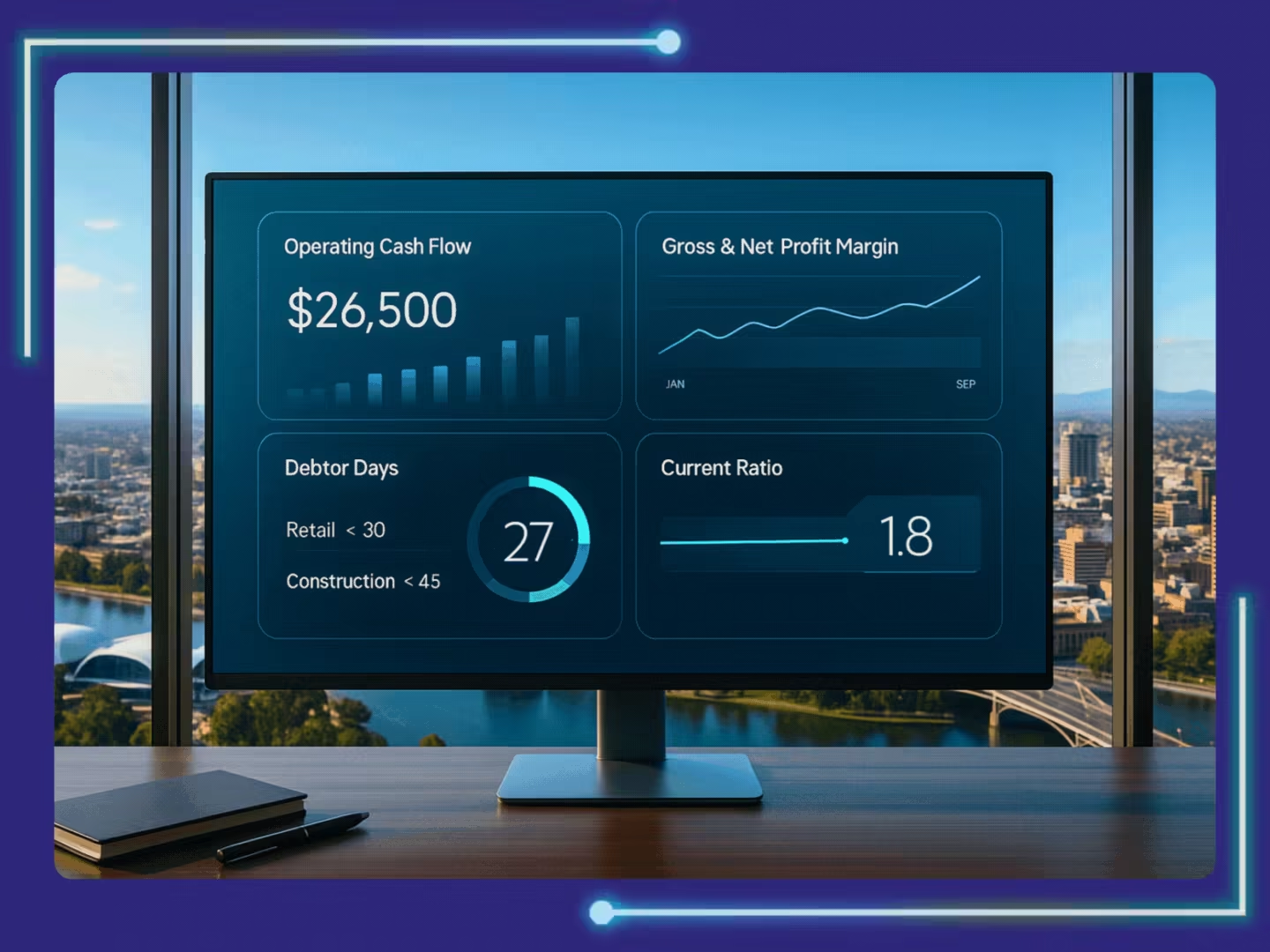
NetSuite delivers live dashboards covering:
- Revenue
- Cash flow
- Profitability
- Operating expenses
- Budget performance
- Financial KPIs
This supports faster and more informed decision-making.
Stronger Compliance and Governance
Growing businesses often require tighter financial controls.
NetSuite improves governance through:
- Audit trails
- User permissions
- Approval workflows
- GST management
- Financial controls
- Consolidated reporting
These capabilities simplify internal reviews and external audits.
One Integrated Business Platform
Many growing organisations operate multiple standalone systems for accounting, CRM, inventory, ecommerce, and reporting.
NetSuite consolidates these functions into one integrated platform, reducing duplicate data entry while improving operational efficiency.
Xero vs NetSuite: Key Differences
Although both platforms support accounting, NetSuite offers broader ERP capabilities designed for businesses managing greater operational complexity.
| Feature | Xero | NetSuite |
|---|---|---|
| Business Size | Small businesses | Growing and enterprise businesses |
| Multi-Entity Accounting | Limited | Advanced |
| ERP Capabilities | No | Yes |
| Financial Automation | Basic | Advanced |
| Real-Time Dashboards | Limited | Comprehensive |
| Workflow Automation | Basic | Extensive |
| Inventory Management | Basic | Advanced |
| CRM Integration | Third-party | Native |
| Multi-Currency | Available | Advanced |
| Consolidated Reporting | Limited | Comprehensive |
Migration Roadmap
A structured migration roadmap reduces implementation risks and helps businesses move financial data accurately while maintaining reporting integrity.
Step 1: Assess and Plan
Start by reviewing your existing accounting environment.
Key activities include:
- Reviewing financial processes
- Assessing reporting requirements
- Identifying custom workflows
- Evaluating integrations
- Defining migration objectives
- Assigning project stakeholders
Businesses should also review their GST setup, BAS reporting structure, and chart of accounts before migration begins.
Step 2: Prepare and Clean Your Data
High-quality data is critical for a successful migration.
Before exporting information from Xero:
- Remove duplicate customer records
- Standardise supplier information
- Validate ABNs
- Review GST codes
- Reconcile bank accounts
- Clean inactive records
- Review historical transactions
Many implementation issues originate from poor data quality rather than the migration itself.
Step 3: Choose the Right Migration Approach
Businesses should select a migration strategy based on operational complexity.
Options may include:
- Full migration into NetSuite
- Phased migration by entity
- Hybrid environments during transition
- NetSuite OneWorld for multi-entity organisations
An experienced migration partner can help determine the most suitable approach while reducing implementation risk.
Step 4: Execute the Migration
Once planning and data preparation are complete, the migration process can begin.
This stage typically involves:
- Importing customers, suppliers, and chart of accounts
- Migrating open invoices and bills
- Importing bank account information
- Mapping GST tax codes
- Migrating inventory (if applicable)
- Importing historical financial data
After migration, finance teams should reconcile:
- Trial Balance
- Accounts Receivable ageing
- Accounts Payable ageing
- GST balances
- Bank balances
Verifying these figures ensures the migrated data accurately reflects the business’s financial position.
Step 5: Configure NetSuite
Once the data is migrated, NetSuite should be configured to match the organisation’s financial processes.
Typical configuration activities include:
- Setting user roles and permissions
- Configuring approval workflows
- Building financial dashboards
- Creating customised reports
- Connecting payroll systems
- Integrating banking platforms
- Configuring CRM or ecommerce integrations
- Reviewing GST and BAS reporting settings
Proper configuration ensures NetSuite supports both operational efficiency and Australian compliance requirements.
Step 6: Train Users and Go Live
User adoption plays a major role in migration success.
Before going live:
- Deliver role-specific training
- Test finance workflows
- Validate reporting outputs
- Complete GST and BAS checks
- Test month-end processes
- Confirm integrations operate correctly
Many businesses schedule go-live at the beginning of a new financial period or quarter to simplify reporting.
It is also good practice to retain read-only access to Xero for several months to support audits, historical reporting, and user reference.
Common Xero to NetSuite Migration Challenges
Understanding common migration challenges allows businesses to reduce implementation risks, improve data quality, and achieve a smoother transition to NetSuite.
Poor Data Quality
Duplicate records, outdated supplier information, inconsistent customer details, and incomplete charts of accounts can delay implementation.
Cleaning financial data before migration significantly improves reporting accuracy.
Incorrect GST Mapping
GST codes should be carefully reviewed to ensure transactions continue supporting accurate BAS preparation after migration.
Incorrect mapping may result in reporting inconsistencies and additional reconciliation work.
Inadequate User Training
Even well-configured systems deliver limited value if users are unfamiliar with new processes. Providing role-based training before and after implementation improves adoption and productivity.
Integration Issues
Many businesses connect NetSuite with payroll, banking, ecommerce, CRM, and inventory platforms. Testing integrations before go-live helps prevent operational disruption.
Unrealistic Timelines
Large ERP migrations require planning, testing, validation, and user preparation. Allowing sufficient time reduces project risk and improves implementation outcomes.
Best Practices for a Successful Xero to NetSuite Migration
Following proven migration best practices and working with an experienced NetSuite accountant helps Australian businesses minimise disruption, improve financial accuracy, and maximise long-term value from NetSuite. Successful migration projects typically include:
- Establish clear migration objectives
- Clean financial data before export
- Review GST and BAS configurations carefully
- Redesign the chart of accounts where appropriate
- Test every financial workflow before go-live
- Validate all migrated balances
- Train users based on their responsibilities
- Monitor system performance after implementation
- Continue refining workflows as business requirements evolve
These practices help finance teams transition confidently while maintaining business continuity.
Build a Stronger Financial Foundation with NetSuite
Migrating from Xero to NetSuite helps growing Australian businesses manage more complex finance operations with better automation, reporting, governance, and scalability. With clean data and a structured rollout, the transition can build a stronger financial foundation.
At Whiz Consulting, our NetSuite accounting services help Australian businesses plan and manage successful Xero to NetSuite migrations. From data preparation and system configuration to workflow optimisation and post-implementation support, our specialists work closely with your finance team to reduce migration risks, improve reporting accuracy, and help you realise the full value of your NetSuite investment.

Get customized plan that supports your growth

Have questions in mind? Find answers here...
Businesses typically migrate when they require multi-entity accounting, advanced reporting, stronger automation, integrated business management, or greater scalability than Xero can provide.
The timeline depends on business complexity, data quality, customisations, integrations, and the number of entities being migrated. Proper planning helps minimise delays.
Yes. Businesses can migrate historical transactions, opening balances, customer and supplier records, invoices, and other financial information based on their reporting and compliance requirements.
Yes. NetSuite supports GST management and maintains financial records that assist businesses with BAS preparation and Australian reporting requirements.
Experienced NetSuite accounting services help businesses reduce migration risks, ensure accurate data mapping, configure workflows correctly, and optimise NetSuite for long-term financial efficiency.
Thousands of business owners trust Whiz to manage their account
Let us take care of your books and make this financial year a good one.