

Table of Content
Share This Article
- Last Updated: Jul 23, 2026
- 🔊 Listen
TL;DR
- Bookkeeping automation reduces manual work and improves financial accuracy for Manchester SMEs.
- QuickBooks and Xero are the most practical options for many small and growing businesses.
- Automated bank feeds, invoice capture, and reconciliations help save time every month.
- Choosing software with MTD compatibility supports smoother HMRC VAT compliance.
- The best results come from combining smart automation with skilled bookkeeping expertise.
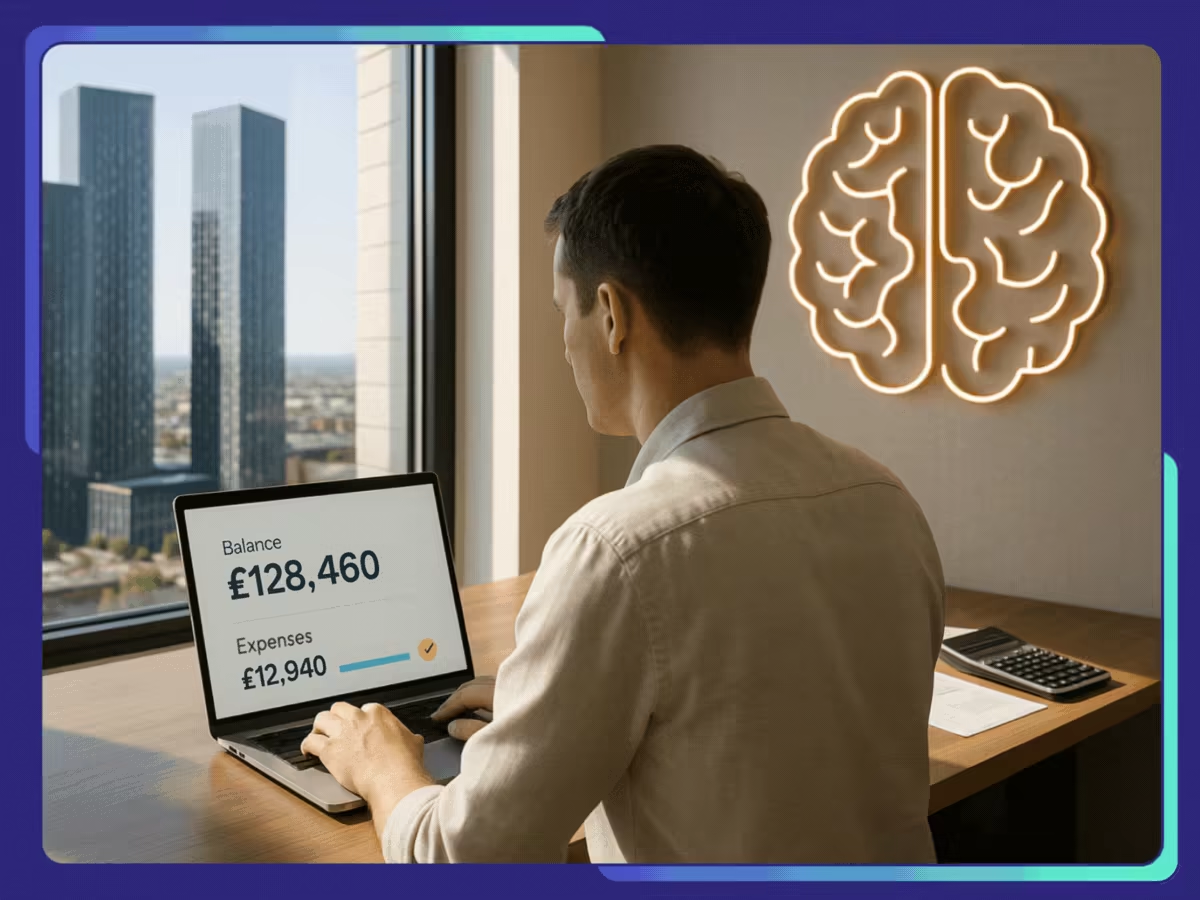
Bookkeeping automation helps Manchester SMEs reduce repetitive financial admin by using cloud software to capture, categorise, and reconcile transactions automatically. It improves accuracy, supports Making Tax Digital (MTD) compliance, and provides real-time financial visibility without increasing administrative workload.
Whether you run a retail shop, hospitality business, ecommerce store, or professional services firm, choosing the right bookkeeping automation tool can simplify daily operations and strengthen financial decision-making. In this guide, we’ll compare the leading bookkeeping automation platforms for Manchester SMEs, explain how automation works, and show how combining technology with experienced bookkeeping professionals delivers the best results.

Smarter Books, Less Work
Cut overheads, stay compliant, and make informed decisions.
Top 5 Bookkeeping Automation Tools for Manchester SMEs
Bookkeeping automation tools help Manchester SMEs reduce manual data entry, improve VAT accuracy, speed up reconciliations, and keep financial records ready for reporting. The right software depends on the size of the business, transaction volume, reporting needs, and whether the company needs simple bookkeeping or a wider finance system.
QuickBooks
QuickBooks is a strong fit for small and growing Manchester businesses that want easy bookkeeping, automated bank feeds, invoicing, expense tracking, and VAT support in one place. It is especially useful for SMEs that need a simple accounting platform without moving into a full ERP system. Its UK version supports Making Tax Digital for VAT, making it practical for businesses managing HMRC submissions.
Core features:
- Automated bank feeds and transaction categorisation
- VAT tracking and Making Tax Digital support
- Online invoicing and payment tracking
- Expense capture and receipt management
- Payroll and CIS support through add-ons
Xero
Xero is one of the most popular cloud accounting tools for UK SMEs because it combines clean usability with strong automation. It works well for Manchester businesses that want real-time visibility over cash flow, invoices, bills, and bank reconciliations. Xero also connects with many third-party apps, which makes it useful for retail, ecommerce, professional services, and hospitality businesses.
Core features:
- Automated bank reconciliation
- Custom online invoices and payment reminders
- Bills and supplier payment management
- Cash flow reports and financial dashboards
- App integrations for payroll, stock, CRM, and ecommerce
Zoho Books
Zoho Books suits SMEs that want affordable bookkeeping automation with access to a wider business software ecosystem. It is useful for Manchester businesses already using Zoho CRM, Zoho Inventory, or other Zoho apps. The platform helps automate invoicing, expenses, bank reconciliation, VAT handling, and workflow approvals, making it a practical choice for cost-conscious SMEs.
Core features:
- Automated invoicing and recurring bills
- Bank feeds and transaction matching
- VAT management and reporting
- Expense tracking and approval workflows
- Integration with Zoho CRM, Zoho Inventory, and other Zoho tools
NetSuite
NetSuite is better suited to larger Manchester SMEs or scaling businesses that need more than basic bookkeeping. It works as a cloud ERP, combining accounting, financial reporting, inventory, tax management, accounts payable, accounts receivable, and multi-entity controls. Businesses with complex operations, multiple locations, stock movement, or international trading often find NetSuite more suitable than entry-level bookkeeping software.
Core features:
- Accounts payable and accounts receivable automation
- Real-time financial reporting and dashboards
- VAT and tax management across entities
- Inventory and order management integration
- Multi-subsidiary and multi-currency support
MS Dynamics 365
Microsoft Dynamics 365, especially Business Central, is a strong option for SMEs that want bookkeeping automation linked with wider operations. It works well for Manchester businesses already using Microsoft 365, Teams, Outlook, Power BI, or other Microsoft tools. It supports finance, sales, purchasing, inventory, projects, and reporting in one connected system.
Core features:
- General ledger, accounts payable, and accounts receivable automation
- Bank reconciliation and cash flow management
- VAT and financial reporting support
- Integration with Microsoft 365, Teams, Outlook, and Power BI
- Inventory, purchasing, sales, and project finance management
| Tool | Best For | Ease of Use | Automation Strength | UK VAT/MTD Suitability |
Reporting Depth |
Scalability |
|---|---|---|---|---|---|---|
| QuickBooks | Small businesses, sole traders, and service-based SMEs | High | Strong for invoicing, expenses, and bank feeds | Strong | Moderate | Good for small to growing SMEs |
| Xero | SMEs needing simple cloud bookkeeping and app integrations | High | Strong for reconciliation, invoicing, and cash flow | Strong | Moderate to strong | Good for growing SMEs |
| Zoho Books | Cost-conscious SMEs using Zoho apps | Medium to high | Strong for workflows, invoicing, and expenses | Good | Moderate | Good for small and mid-sized businesses |
| NetSuite | Larger SMEs with complex finance, stock, or multi-entity needs | Medium | Very strong across finance and operations | Strong | Advanced | Excellent |
| MS Dynamics 365 | SMEs using Microsoft systems and needing connected operations | Medium | Strong across finance, sales, purchasing, and reporting | Good to strong | Advanced | Excellent |
How Does Bookkeeping Automation Work for Manchester SMEs?
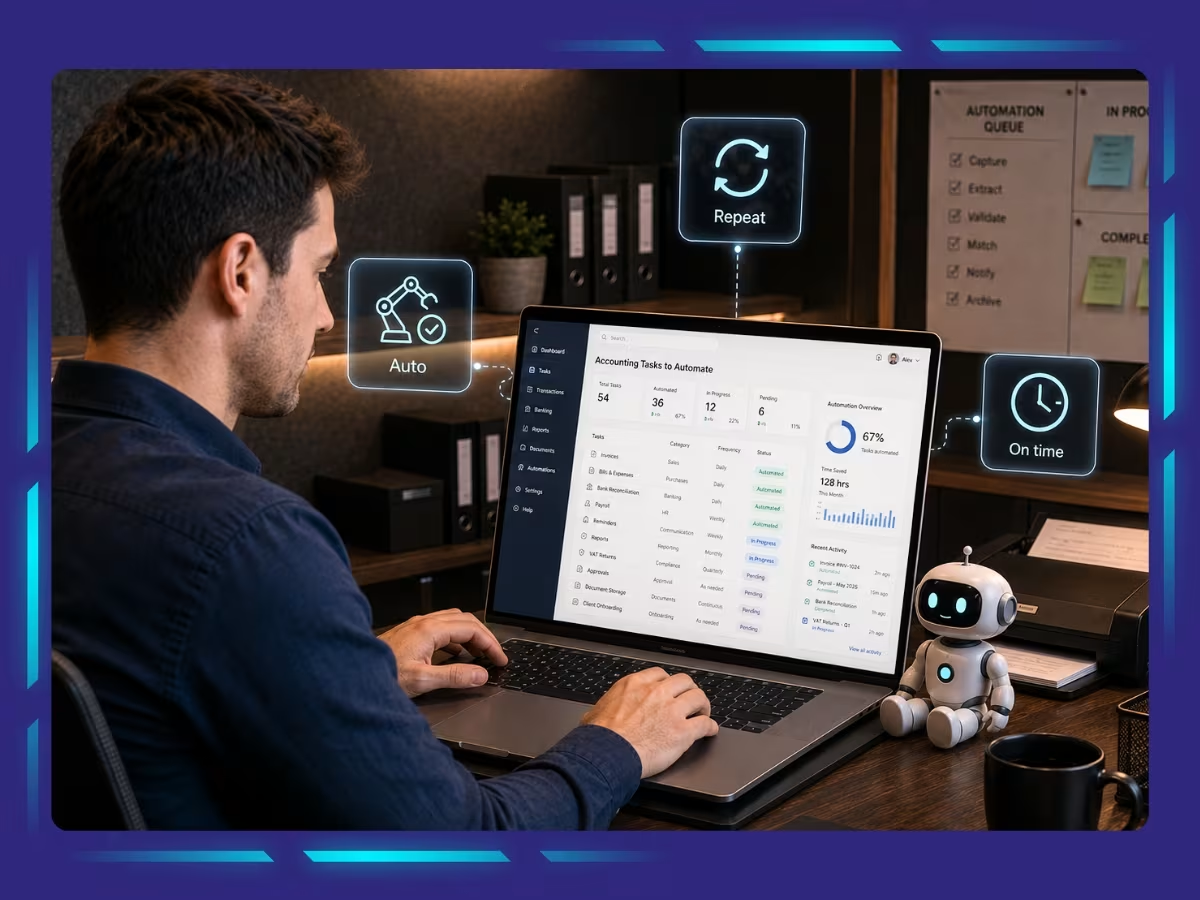
Bookkeeping automation helps Manchester SMEs reduce manual admin by connecting their financial data to cloud accounting software. Instead of entering every transaction by hand, the system captures, categorises, and reconciles data automatically. It gives business owners a clearer view of cash flow while supporting HMRC’s Making Tax Digital (MTD) initiative, which encourages businesses to keep digital records and use compatible software for tax reporting.
A typical bookkeeping automation process works like this:
Connect bank accounts and payment platforms
Secure bank feeds, card accounts, and payment gateways automatically import transactions into the accounting system.
Capture invoices and receipts digitally
OCR technology extracts information from supplier invoices and receipts received through emails, PDFs, or mobile uploads, reducing manual data entry.
Categorise transactions automatically
The software uses predefined rules or previous bookkeeping patterns to allocate income and expenses to the correct accounts.
Match and reconcile bank transactions
Incoming and outgoing payments are automatically matched against invoices and recorded transactions, making bank reconciliation faster and more accurate.
Maintain MTD-ready digital records and VAT data
Transactions are stored digitally, VAT codes are applied consistently, and records remain organised, helping businesses align with HMRC’s Making Tax Digital requirements.
Generate real-time financial reports
As transactions are processed, dashboards and financial reports update automatically, giving business owners instant visibility into cash flow and business performance.
Review and approve by a professional bookkeeper
Automation handles repetitive tasks, but an experienced bookkeeper reviews exceptions, checks accuracy, and ensures the final records reflect the true financial position of the business.
How to Choose the Right Automation Tool for Bookkeeping?
- Choose a platform that integrates smoothly with popular systems such as Xero, QuickBooks and NetSuite.
- Make sure the software supports HMRC requirements, including Making Tax Digital (MTD) compliance.
- Look for features that automate bank reconciliations, invoice processing, and expense tracking.
- Select a cloud-based solution that allows secure access for your team and accountant, wherever they are in Manchester.
- Prioritise tools with strong data security and user permission controls to protect financial information.
- Consider scalability, especially if your business expects to grow or expand across Greater Manchester.
- Many bookkeeping automation tools Manchester SMEs use are designed to reduce manual work while improving accuracy and real-time financial visibility.
Combine Smart Automation with Skilled Bookkeeping Experts
Bookkeeping automation is changing how Manchester SMEs manage their finances by reducing repetitive work, improving accuracy, and keeping records ready for VAT and MTD requirements. However, software alone cannot replace professional judgement. The best results come from combining reliable automation tools with experienced bookkeeping experts who can review exceptions, maintain compliance, and provide meaningful financial insights that support better business decisions.
At Whiz Consulting, we help Manchester SMEs get more from their bookkeeping by combining advanced cloud technology with dedicated bookkeeping professionals. Whether you use QuickBooks, Xero, Zoho Books, NetSuite, or Microsoft Dynamics 365, our team can manage your day-to-day bookkeeping while helping you maintain accurate, compliant, and scalable financial records. Partner with us to reduce administrative pressure and focus more time on growing your business.

Get customized plan that supports your growth

Have questions in mind? Find answers here...
QuickBooks and Xero are often the preferred choices for small Manchester businesses because they offer user-friendly automation, strong bank feeds, and full Making Tax Digital support.
Yes. Most leading bookkeeping platforms maintain digital records, automate VAT tracking, and support direct HMRC submissions, helping businesses stay compliant with MTD requirements.
No. Automation handles repetitive tasks, but a skilled bookkeeper is still essential for reviewing transactions, resolving exceptions, ensuring compliance, and providing financial guidance.
Reputable cloud accounting platforms use encryption, secure data centres, user access controls, and regular backups to protect sensitive financial information.
Yes. Many businesses outsource their bookkeeping while continuing to use platforms such as QuickBooks, Xero, Zoho Books, NetSuite, or Microsoft Dynamics 365, allowing them to benefit from both automation and expert financial support.
Thousands of business owners trust Whiz to manage their account
Let us take care of your books and make this financial year a good one.


This website uses cookies to improve your experience. You can accept all or reject non-essential cookies.