


Table of Content
Share This Article
- Last Updated: Sep 1, 2026
- 🔊 Listen
TL;DR
- Multi-currency accounting converts foreign transactions into a base currency while tracking exchange-rate changes.
- Xero, QuickBooks, and Zoho Books offer practical multi-currency features for everyday international transactions.
- NetSuite and Sage Intacct provide more advanced currency management, consolidation, and reporting capabilities.
- Compare currencies, exchange rates, FX tracking, reporting, plan limits, and usability before choosing software.
The top multi-currency accounting software helps businesses record foreign-currency transactions, apply exchange rates, track currency gains and losses, and maintain accurate financial records. Xero, QuickBooks, Zoho Books, NetSuite, Microsoft Dynamics 365 Business Central, and Sage Intacct all offer multi-currency capabilities, but their features and workflows differ. That’s why, choosing the right software requires one to look at several features and not just one.
This blog compares six leading platforms and explains their key multi-currency features each offers. It also provides a quick comparison to help you understand which software fits your accounting requirements, but first, let’s quickly understand what multi currency accounting actually means.

Multi-Currency Accounting Made Simple
Get Consistent Reporting & Scalable Support with Experts
What is Multi-Currency Accounting?
Multi-currency accounting is a financial process that allows businesses to record, track, and report transactions in different currencies. It converts foreign-currency transactions into a common base currency while accounting for changes in exchange rates.
Accounting software such as Xero, QuickBooks, Zoho Books, NetSuite, MS Dynamics, and Sage Intacct can help reduce manual exchange-rate calculations and maintain consistent financial records across currencies.
For businesses that regularly transact internationally, multi-currency accounting also makes it easier to reconcile accounts and understand how exchange-rate movements affect financial results.
Top Multi-Currency Accounting Software: A Quick Comparison
The right multi-currency accounting software varies according to how your business handles foreign-currency transactions, exchange rates, reporting, and reconciliation. The six platforms below support multi-currency accounting, but their capabilities, workflows, and specific features vary.
| Software | Key Multi-Currency Capabilities | Best For | Key Consideration |
|---|---|---|---|
| Xero | Supports invoicing in 160+ currencies, automatic exchange-rate updates, and FX gain or loss tracking |
SMBs managing regular international transactions |
Multi-currency features available on Premium/Established plan |
| QuickBooks Online | Handles invoices and payments in foreign currency while automatically tracking exchange-rate changes and FX gains or losses |
Small businesses with core international accounting needs |
Multicurrency feature requires the QuickBooks Online Essentials, Plus, and Advanced plan |
| Zoho Books | Supports transactions in multiple currencies, customers and vendors in foreign currency, automatic exchange-rate updates, and reporting in the base currency |
Businesses seeking an affordable, easy-to-set-up option |
Multi-currency invoicing is plan-dependent |
| NetSuite | Supports 190+ currencies with advanced FX management, currency revaluation, consolidated exchange rates, and multi-currency financial reporting |
Mid-size to large businesses with complex international accounting |
Offers more advanced implementation than SMB platforms |
| Business Central | Handles sales, purchases, bank accounts, and payments in foreign currency, exchange rates, and currency adjustments |
Businesses already using Microsoft’s ecosystem |
Strong transaction-level currency handling |
| Sage Intacct | Supports multiple transaction currencies, currency-specific bank accounts, different base currencies across entities, and FX adjustments for consolidated reporting |
Multi-entity organisations needing consolidated reporting |
Best suited to more complex finance environments |
| Business Advice | Provides data-based suggestions | Connects financial results with business decisions |
Accountants use AI-supported insights to give owners more practical guidance |
Best Multi Currency Accounting Software Key Features
The best multi currency accounting software, such as Xero, QuickBooks Online, and NetSuite, simplifies global transactions by handling foreign-currency sales, purchases, exchange rates, and currency adjustments. The main difference between them is how thoroughly each platform supports international operations.
Xero
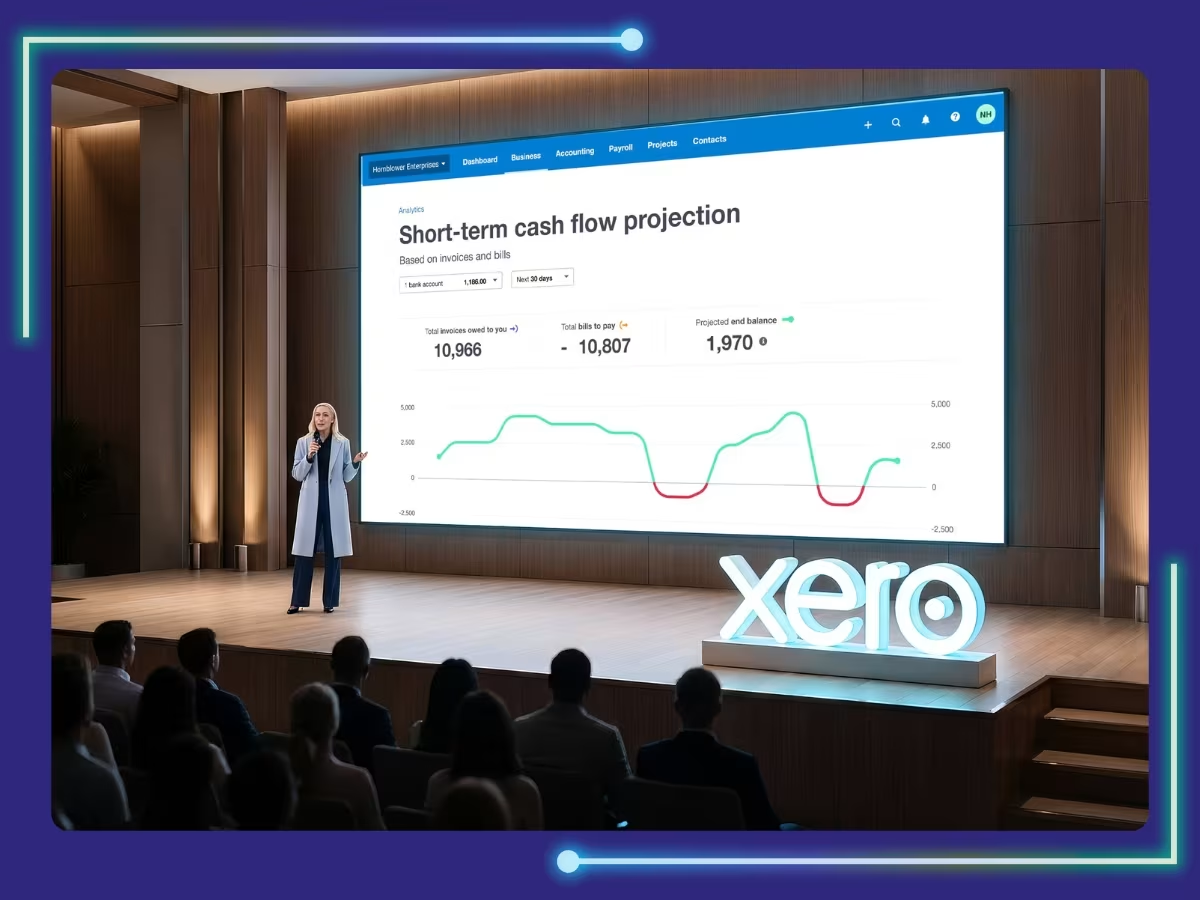
Xero makes multi-currency accounting easier for businesses that regularly invoice, pay, or receive money in foreign currencies. Xero supports 160+ currencies and can update exchange rates hourly, so businesses always work with current rates.
Key multi-currency features:
- Support 160+ currencies
- Create invoices and bills in foreign currency
- Manage multi-currency bank accounts
- Apply hourly exchange-rate updates
- Track exchange-rate gains and losses
- Generate multi-currency financial reports
Best for: SMBs looking for day-to-day multi-currency invoicing and reconciliation. Multi-currency accounting is only available on the Premium/Established plan.
QuickBooks Online
QuickBooks Online helps businesses manage purchases, payments, and bank transactions without manually converting every transaction. QuickBooks’ Multicurrency helps reduce manual exchange rate maintenance and keeps foreign-currency records consistently updated four hours as rates change.
Key features:
- Create invoices, bills, and purchase orders in foreign currency
- Manage customers and suppliers
- Manage bank and credit card accounts
- Convert transactions to the home currency
- Track foreign exchange gains and losses
Best for: Small businesses requiring core multi-currency invoicing and payments. Also, QuickBooks’ Multicurrency feature is available in the QuickBooks Online Essentials, Plus, and Advanced plan.
Zoho Books
Zoho Books supports multi-currency transactions, allowing businesses to invoice foreign customers, record vendor transactions, and track exchange-rate changes. Zoho Books can fetch exchange rates automatically through Open Exchange Rates, while users can also enter rates manually.
Key features:
- Process multi-currency transactions
- Manage customers and vendors
- Apply automatic rates through Open Exchange Rates
- Generate base-currency reports
Best for: Businesses wanting an easy-to-set-up multi-currency option. However, multi-currency accounting isn’t included on every Zoho Books plan.
NetSuite
NetSuite is suited to businesses that need deeper control over international accounting. NetSuite supports 190+ currencies and can handle foreign-currency transactions, revaluation, and consolidated reporting. NetSuite’s Multiple Currencies feature helps reduce the need to maintain separate accounting systems for different currency and reporting needs.
Key features:
- Support 190+ currencies
- Record transactions in foreign currency
- Manage exchange rates
- Perform currency revaluation
- Generate multi-currency financial reports
Best for: Mid-size to large businesses running multiple subsidiaries that need currency revaluation and consolidated reporting built into a single ERP.
Microsoft Dynamics 365 Business Central
Business Central helps businesses manage invoices, purchase orders, payments, and bank transactions in foreign currency. The platform can apply exchange rates and post currency adjustment entries when the rates change.
Key features:
- Manage invoice and purchase orders in foreign currency
- Manage bank accounts in foreign currency
- Manage exchange rates
- Record currency adjustment entries
- Manage realised and unrealised exchange-rate differences
- Generate multi-currency financial reports
Best for: Businesses already familiar with the Microsoft environment that need reliable multi-currency accounting.
Sage Intacct
Sage Intacct helps businesses manage multi currency accounting across transactions while keeping consolidated reporting consistent. Businesses can assign different base currencies to entities and convert their financial data for consolidated reporting.
Key features:
- Record transactions in multiple currencies
- Manage currency-specific bank accounts
- Assign multiple base currencies to entities
- Adjust exchange rates automatically
Best for: Multi-entity organisations that need automated consolidation.
How Do You Choose the Best Multi-Currency Accounting Software?
Choose a multi currency accounting software based on your transaction needs, currencies, exchange-rate requirements, and ease of use. Consider these factors before making a decision:
- Currencies Supported: Check that the software supports the currencies you use for invoices, purchases, bank accounts, and reporting.
- Exchange-Rate Management: Look for automatic rate updates from reliable sources, with the option to manually adjust rates when required.
- FX Gain & Loss Tracking: Choose software that accurately calculates and records realised and unrealised foreign exchange gains and losses.
- Financial Reporting: Make sure foreign-currency transactions can be converted into your base currency for accurate financial reporting.
- Plan Limitations: Check whether multi-currency features are included in your chosen plan. Some platforms restrict multi-currency accounting feature to specific tiers.
- Ease of Use: Test common workflows such as foreign-currency invoicing, payments, bank reconciliation, and currency adjustments before committing.
Get More from Your Multi-Currency Accounting Software with the Right Support
Effective multi currency accounting does more than convert foreign transactions. It helps businesses manage exchange-rate changes, reconcile foreign-currency accounts, track FX gains and losses, and maintain accurate financial reports.
At Whiz Consulting, we help businesses manage multi-currency accounting within whichever platform you choose. Our accounting services simplify multi-currency accounting, reduce manual work, and maintain reliable financial records as your international operations grow.

Get customized plan that supports your growth

Have questions in mind? Find answers here...
Multi currency accounting software applies exchange rates to foreign-currency transactions and records adjustments when currency movements create gains or losses to handle exchange rates.
NetSuite supports 190+ currencies, while Xero supports 160+ currencies, making both suitable for businesses handling transactions across numerous international markets.
When choosing the right multi currency accounting software, consider supporting currencies, exchange-rate management, FX gain and loss tracking, reporting, plan limitations, ease of use, and compatibility with existing accounting workflows.
Currency revaluation updates the value of foreign-currency receivables, payables, or bank balances to reflect current exchange rates. It ensures financial statements accurately represent unrealised gains or losses at required reporting periods.
Most platforms, including Xero, QuickBooks Online, and Zoho Books, allow businesses to override automatically fetched exchange rates for specific transactions.
Thousands of business owners trust Whiz to manage their account
Let us take care of your books and make this financial year a good one.






This website uses cookies to improve your experience. You can accept all or reject non-essential cookies.